
Customer Entry/Customer Removal
Customer Entry
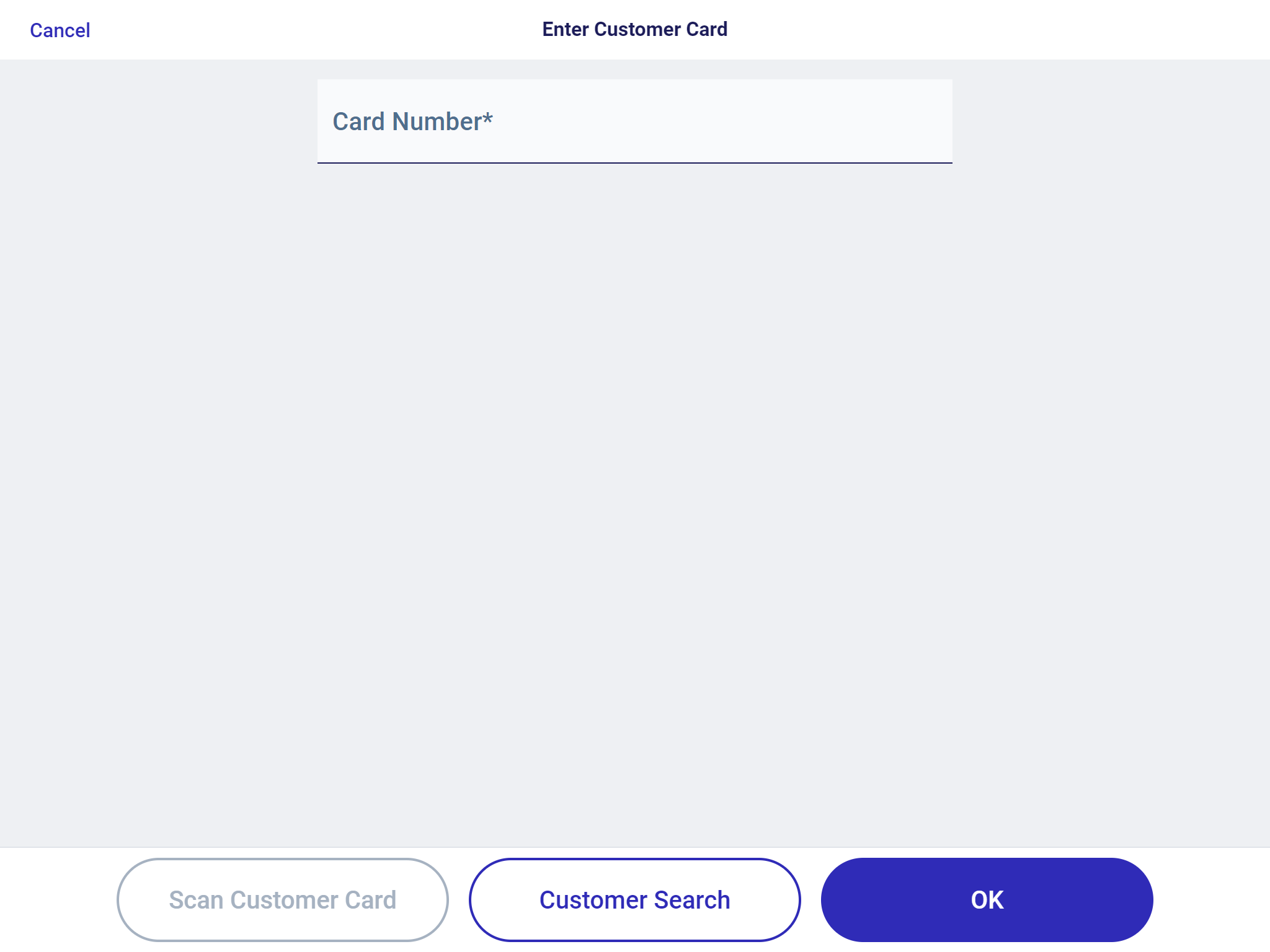
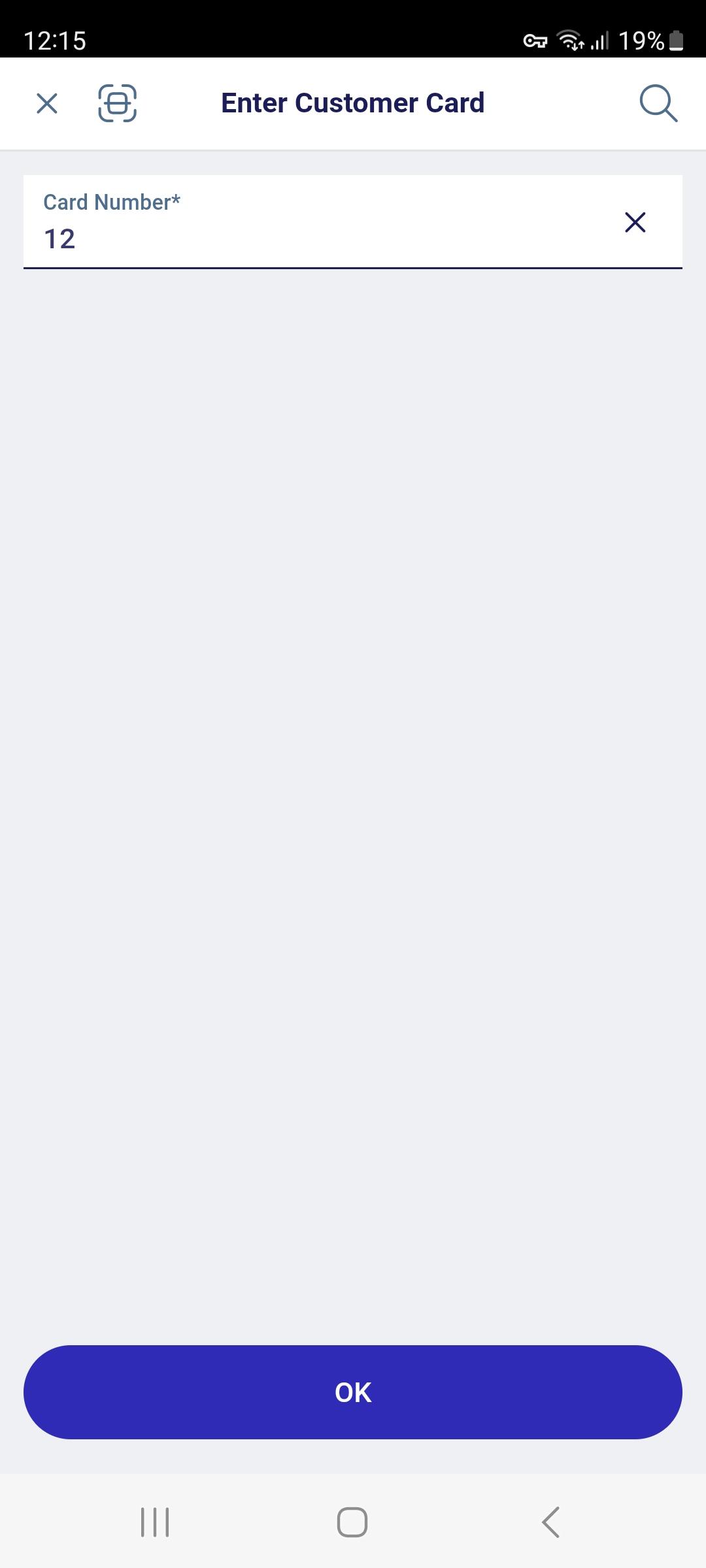
You can assign receipts to a particular customer. The following options are available for customer entry:
- Scanning of the customer card
- Manual entry of the card number or customer number
- Customer search
Customer assignment can be used to trigger defined discounts or to allow particular tenders for a customer (e.g. purchase on invoice or redemption of points).

Remove Customer
During the selling process, it is always possible to remove an assigned customer card, customer or customer group.
- To do so, select the function button Remove Customer from the Customer menu on the left.
The customer can also be removed using the customer details panel. In this case, select the trash icon next to the customer number.