
Returns
- To enter a return line item, press Returns or Returns with Receipt.

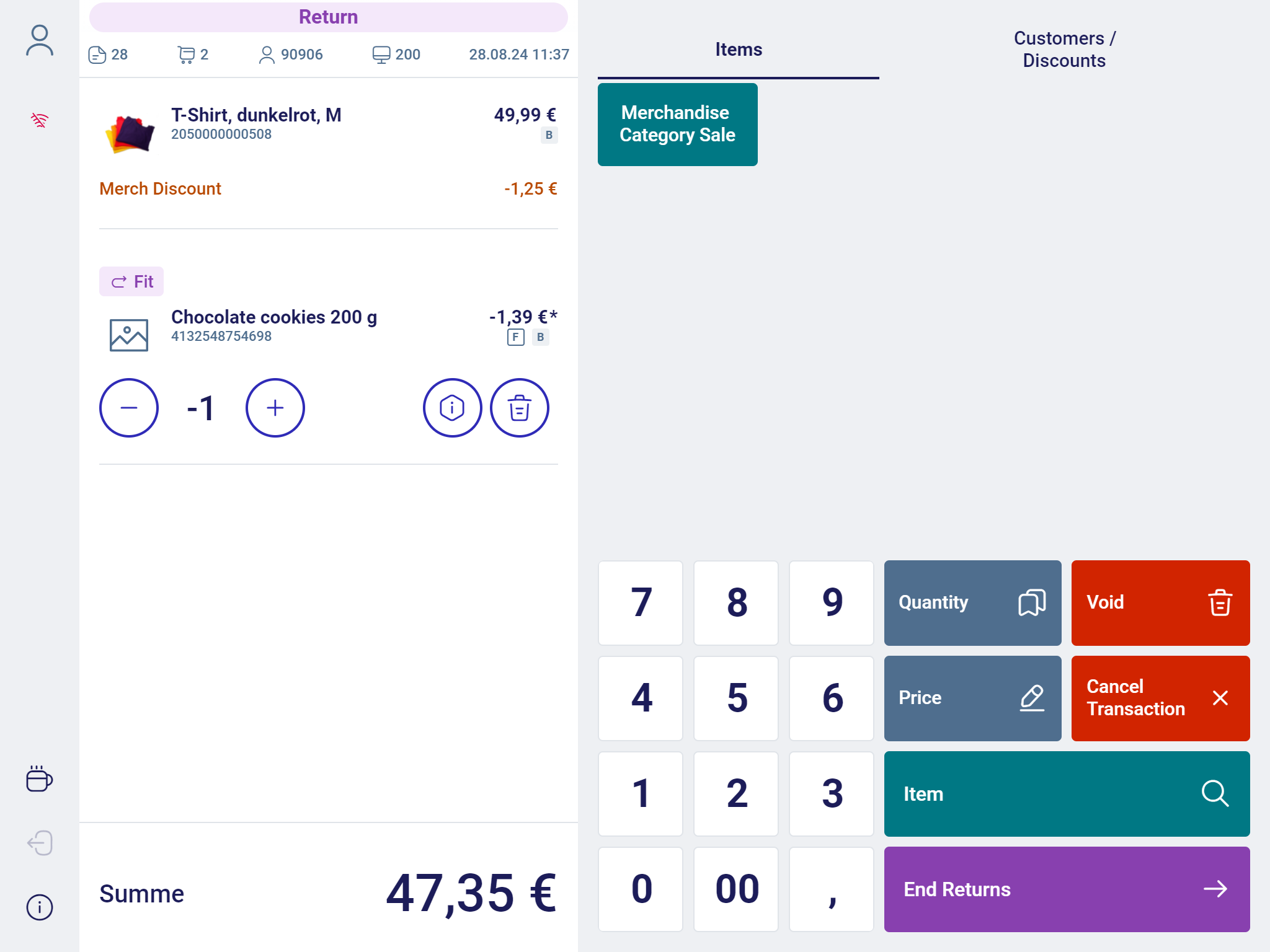

Goods return with an original receipt
- The required data of the original receipt can be captured either by manual entry or by scanning the corresponding barcode.
If a valid receipt is found in the database, the receipt will be displayed.
- You can return either individual receipt line items or the complete receipt.
If the selected receipt line item contains a quantity >1, it is possible to return a partial quantity of this line item. After each returned line item, the system goes back to the display of the original receipt.
This allows you to select further line items for return.
All line items which have already been returned are highlighted.
- After selecting all line items intended for return, press End Returns.
- If you want to return the complete receipt, press Complete Returns. In this case, you do not need to select individual line items. You will return directly to selling mode.
Goods return without an original receipt
- Enter the items to be returned.
The returned item is displayed in the receipt preview.
- After selecting all items intended for return, press End Returns
You will return to selling mode.
Item entry during returns
- Confirm the dialog.
You will return to the entry dialog.
Empties Return
The function Empties return refers to the process of customers returning empty containers or packaging to the retailer.
This can include items like empty bottles, cans, or other reusable packaging.
To use the function, proceed as follows:
- In Selling Mode, tap the button Empties Return.

- The Transaction Panel is highlighted purple and displays the headline Empties Return.
- Enter the empties to be returned. The returned empty item is displayed in the receipt preview.
- After selecting all empties intended for return, press End Returns. You will return to selling mode
