
Bonus Points
Limited Support: 


Customers can earn bonus points for their purchases. These bonus points are credited to a points account and can be redeemed as a tender.
The bonus points account is displayed in the customer overview.
See section Customer Entry for more information about registering a customer.

After registering the customer, you can proceed with the transaction and scan/add items in the items tableau.

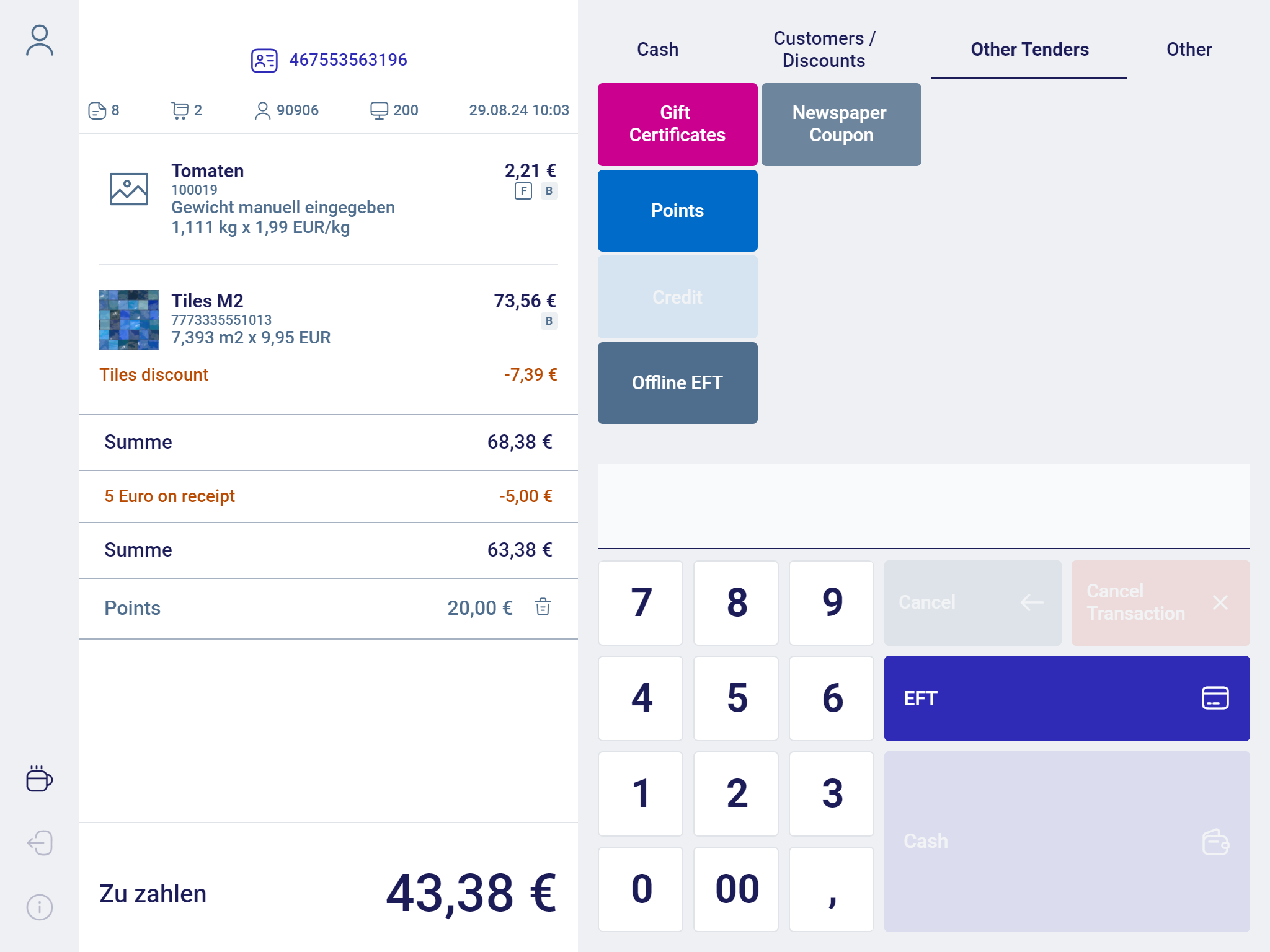
- To enable payment with bonus points, press Other Tenders and then Reward Points in the payment mask.
A mask appears, showing the amount of points in the bonus points account of the customer.
The points to be redeemed are prefilled and can be overwritten, if applicable. It is possible to pay with the full amount of points in the bonus points account or with a partial amount.

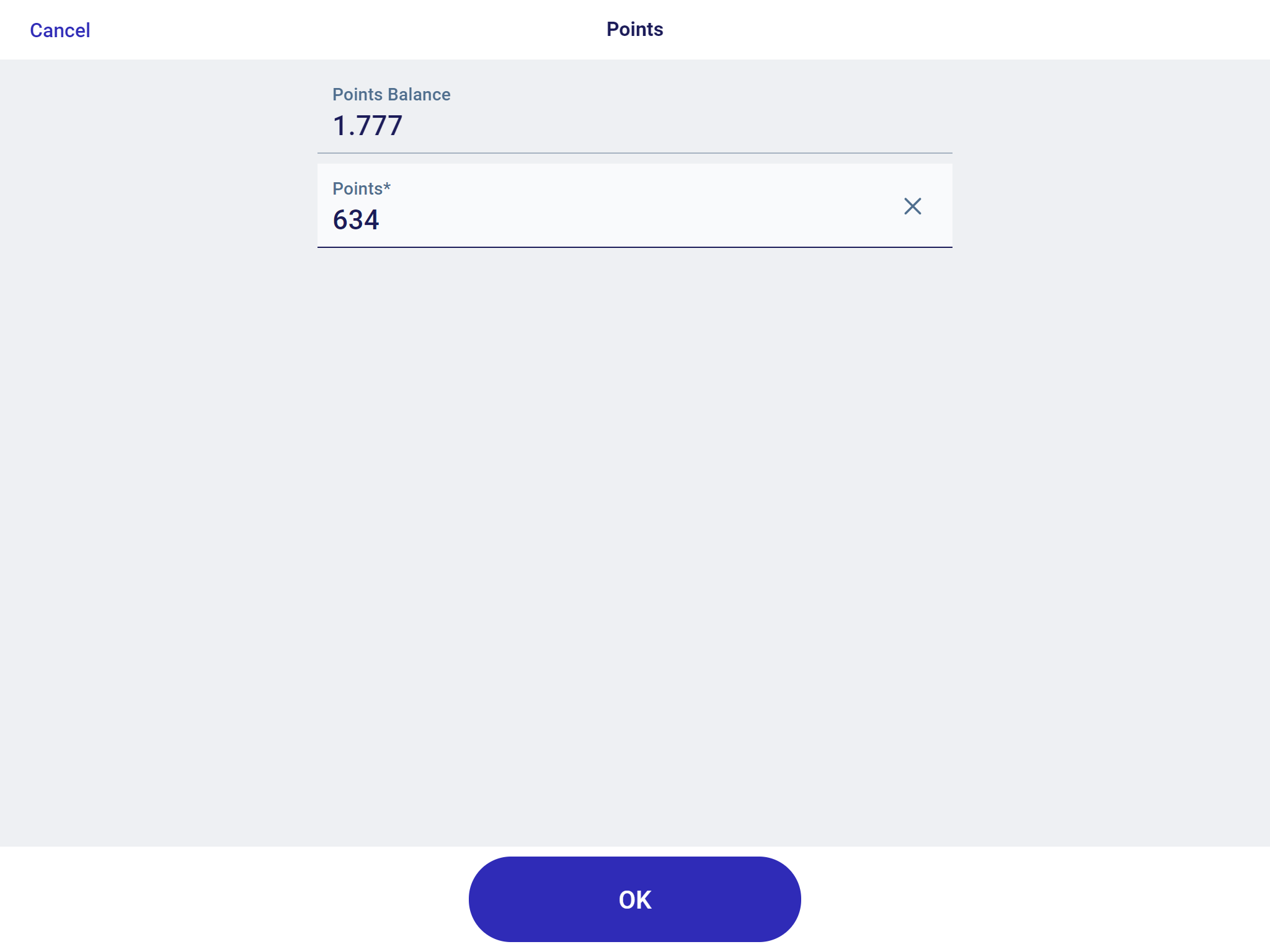
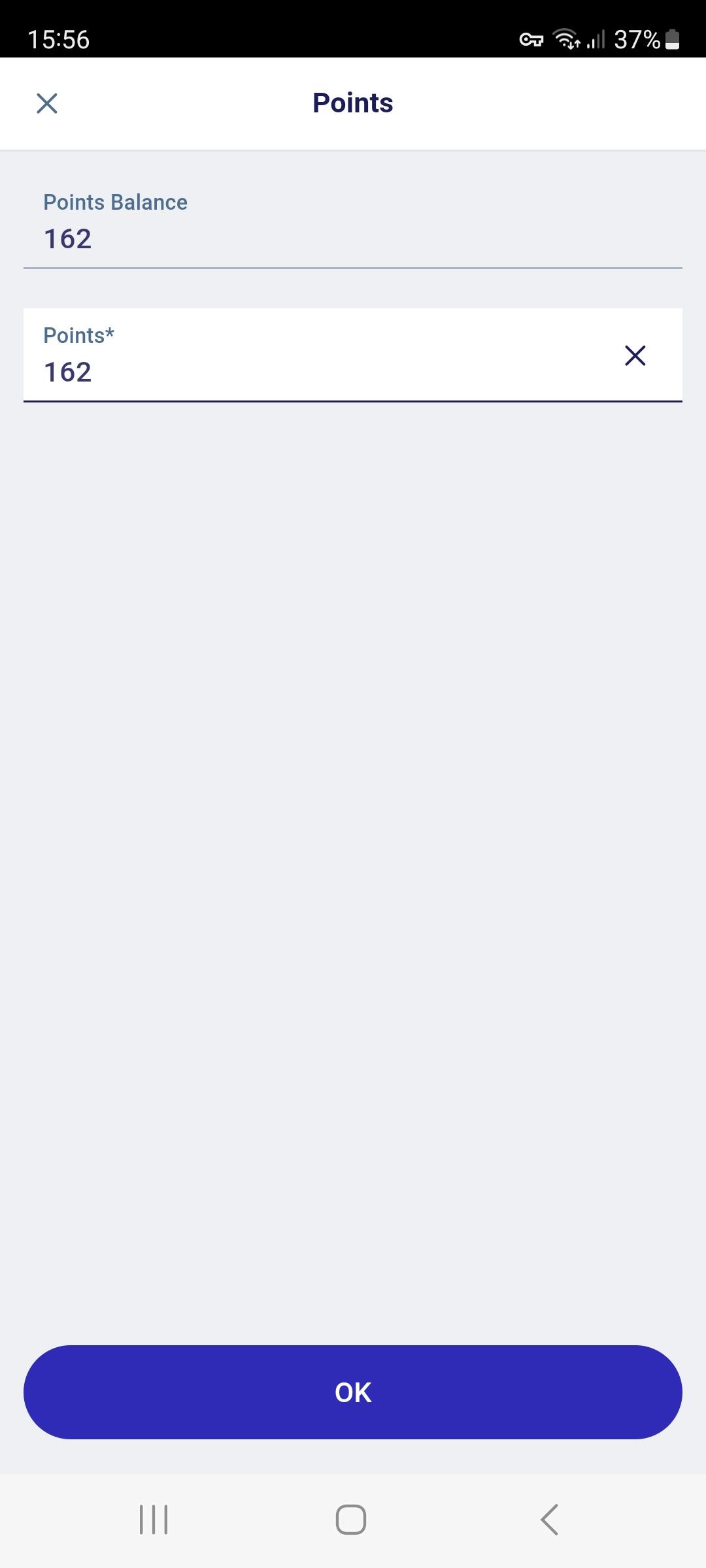
- Enter the amount of points to be redeemed.
- Confirm with OK.
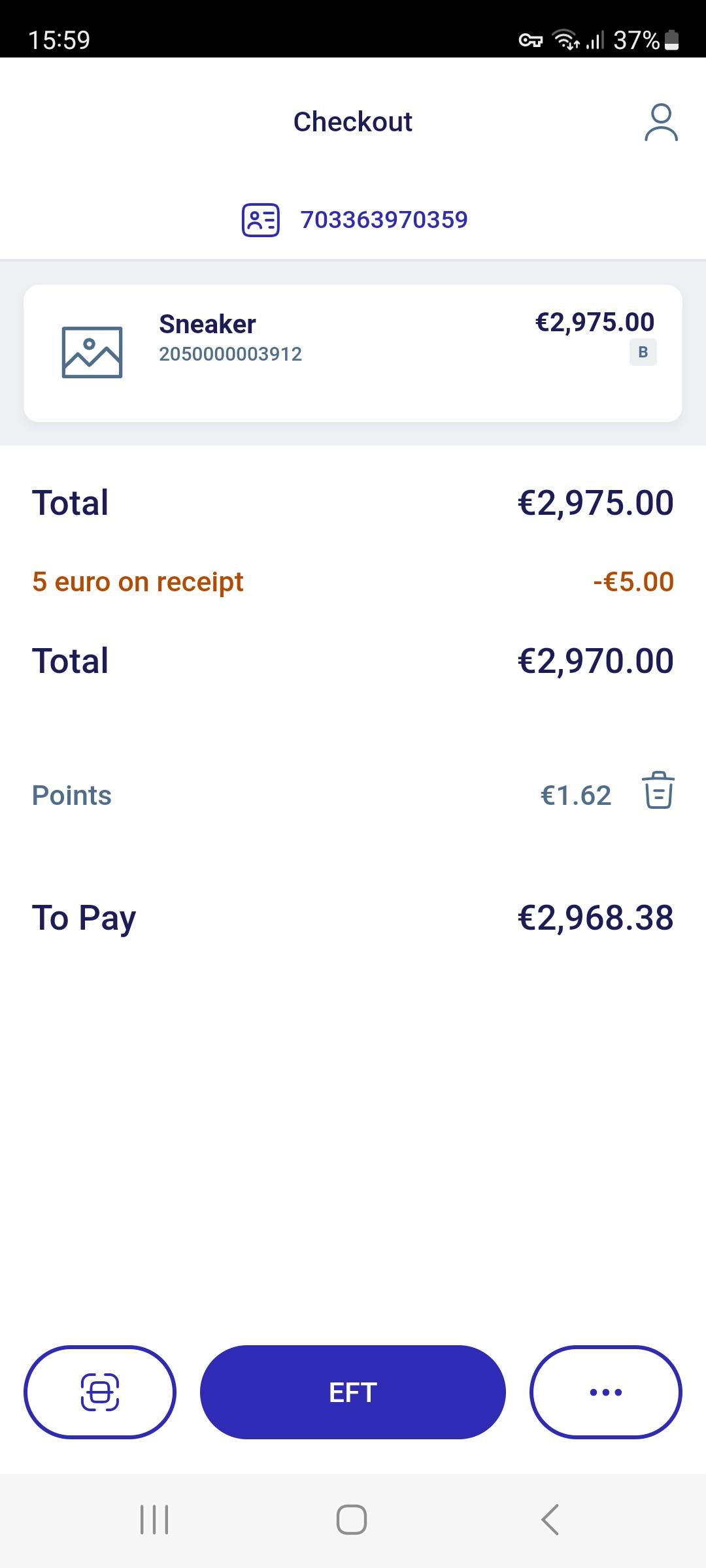
After confirming this dialog, a tender line item will be created and the points redeemed will be deducted from the points account balance.

The customer receipt shows the following information:
- Old Points Balance
- Earned Points (with this transaction)
- Redeemed Points (with this transaction)
- New Points Balance