
Program Start/Program End
Programm Start
Limited Support:


When a POS Client is started, all its settings are reloaded. During program startup, the settings initially loaded are checked.
Any errors or anomalies will be logged. If initialization of a module fails, this is shown on the display and a message is generated.
Successful initialization is indicated by a green checkmark.
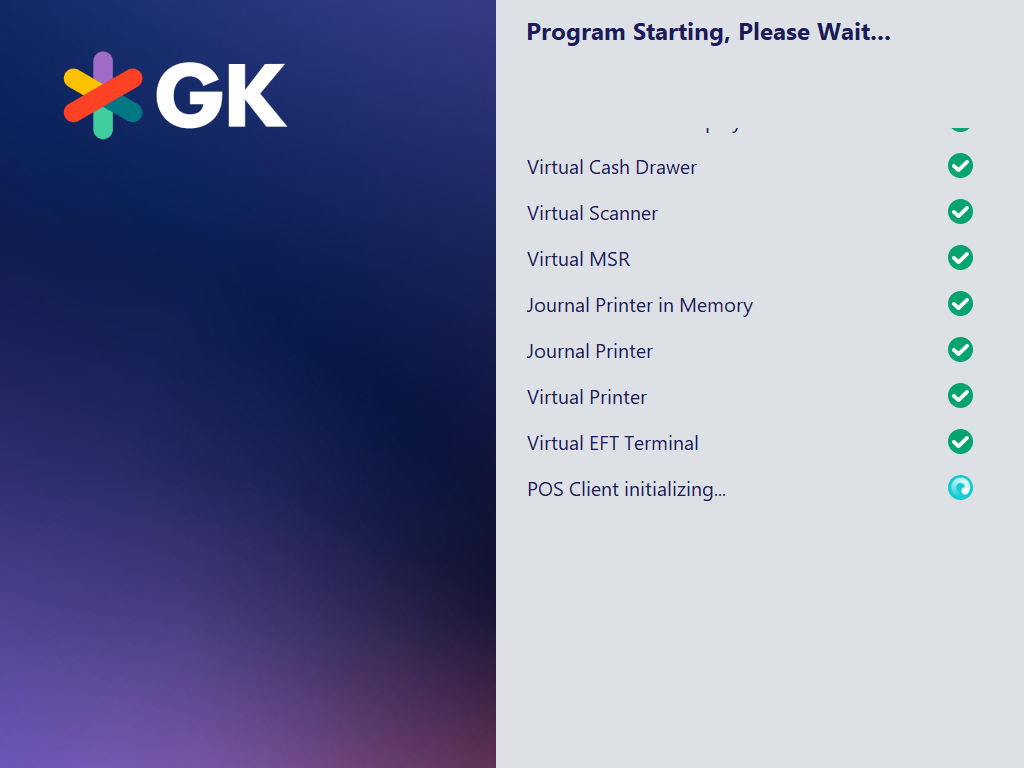
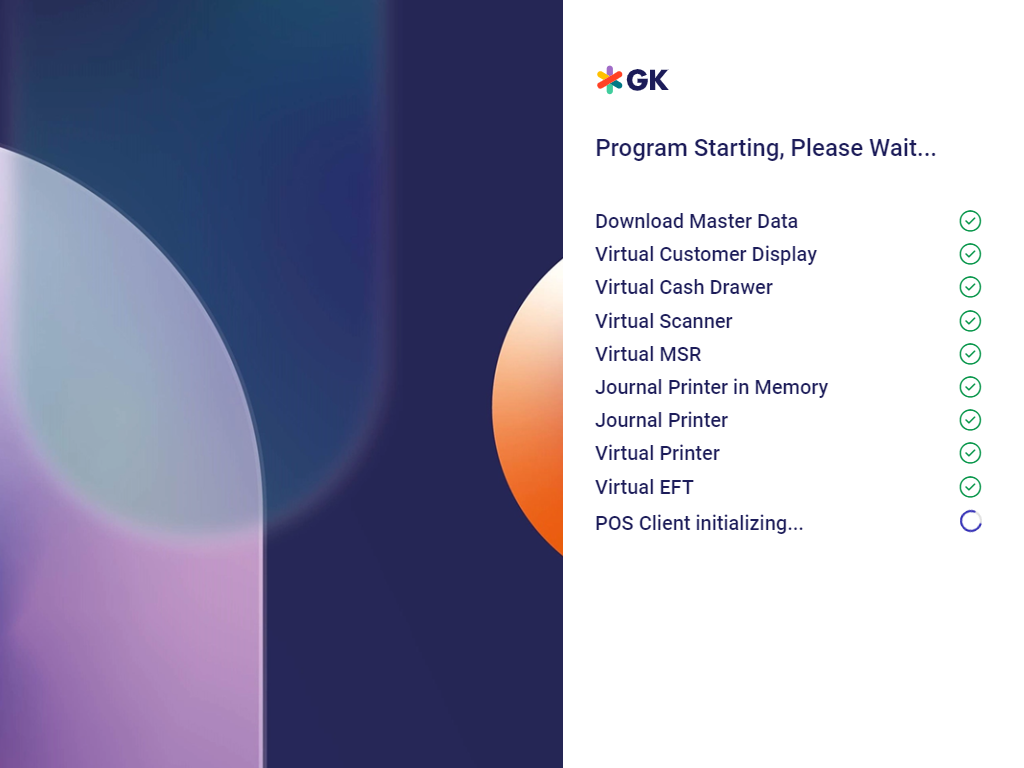
Failed initialization is indicated by a red cross.
In this case, you can either shut down the POS Client or, depending on the configuration, repeat or continue the initialization process.
Note:
On MPOS, this detailed startup process check does not take place and the app displays a simple logo instead.
Program End
Not Supported:


- Select the function End Program.
- You are prompted to enter a password and the POS application will be closed.
Note:
Since MPOS is a normal app, it can be easily closed using the corresponding gesture in the same way as all other apps on Android or iOS.