
Authorization
The permissions for performing POS Client functions can be restricted depending on the individual user. However, it is possible to exceed the configured restrictions during POS operation (e.g. in the case of price changes).
If the assigned rights are not sufficient, the user will be notified that authorization is required for the execution of the function.
The execution of the function has to be confirmed by a user with sufficient rights. This process is called authorization.
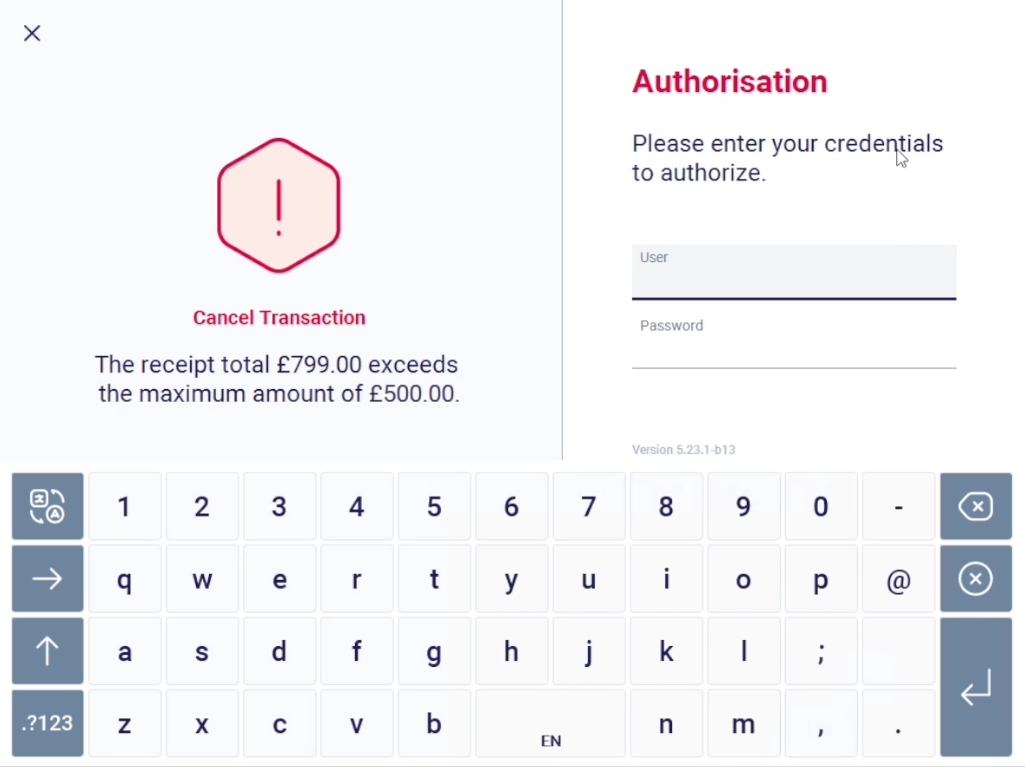
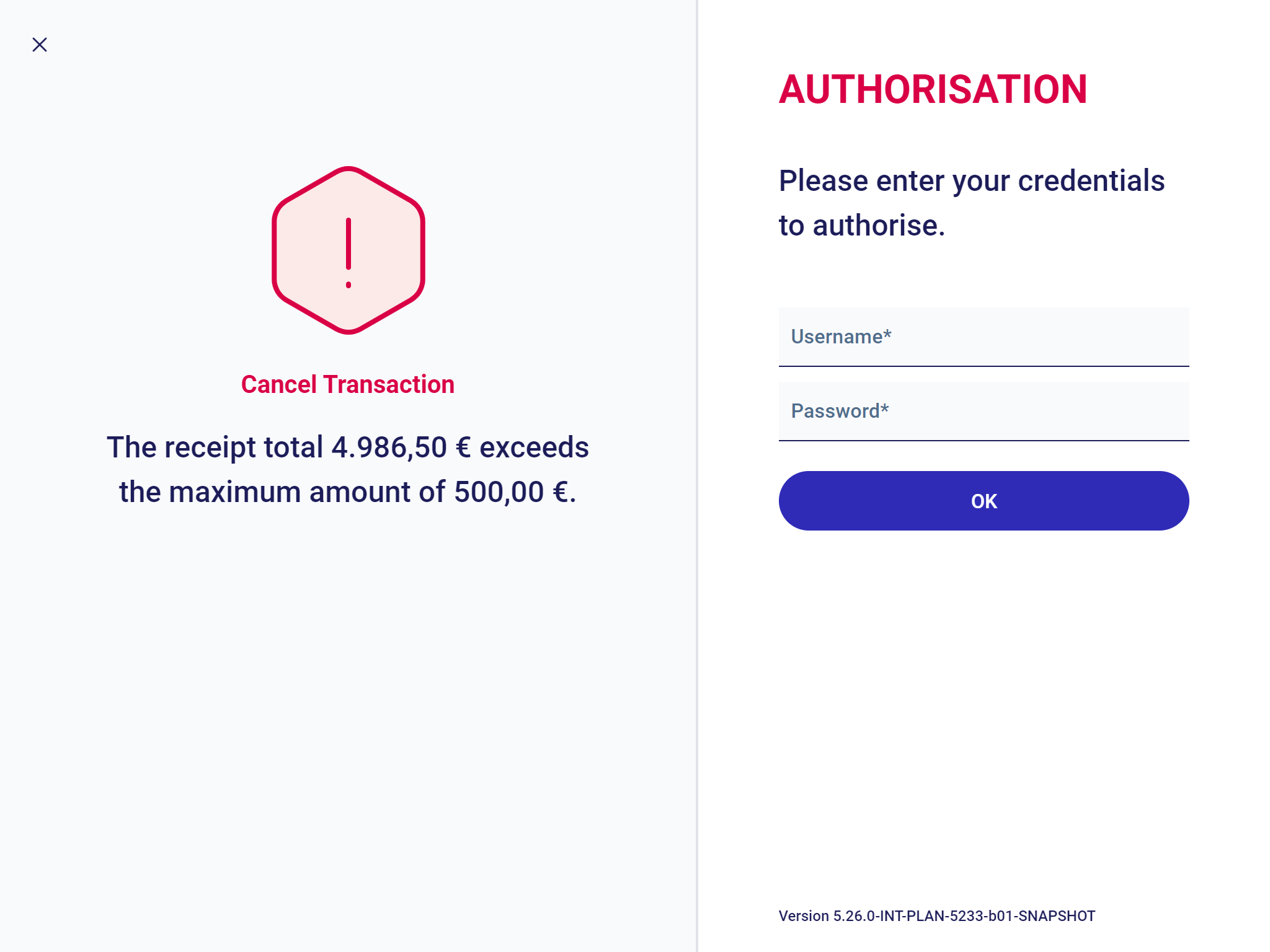

Authorization means that an additional person with rights to perform the function has to log in.
However, the person that needs authorization does not have to log out for this purpose.
The person providing authorization will just submit their credentials to the POS Client.
Four-eyes Authorization
Two cashiers are required for some POS Client functions. One of them needs to have administrator rights. This kind of confirmation process is called four-eyes authorization.
Both authorization variants are saved for the needs of the accounting department. Authorization can be provided manually by the cashier number and password, barcode or magnetic card.
When the POS prompts you to provide authorization, information on the function needing authorization is also displayed by the system.
Remote Authorization
Store managers can monitor POS activities remotely and are able to authorize actions remotely (e.g. authorize limits or processes) without physically going to each POS.
The events are displayed and resolved in the Employee App. See the User Guide - Employee App for more information.