
Tableau Editing with Menu Editor
Note:
the button names and field names may vary depending on the configuration settings. The illustrations included here will show only one of the possible variants.
A tableau is a configurable menu.
With tableaus, it is possible to create user-defined buttons in the user interface of the POS Client that are used to call the POS functions. It is also possible to create buttons for direct item entry.
You can use tableaus to create complete menu structures by nesting a number of menus. To do this, a tableau button can be configured so that when this button is pressed, another tableau then opens.
Tableaus are either created as tableaus embedded in a button panel of an existing screen or as full-screen tableaus.
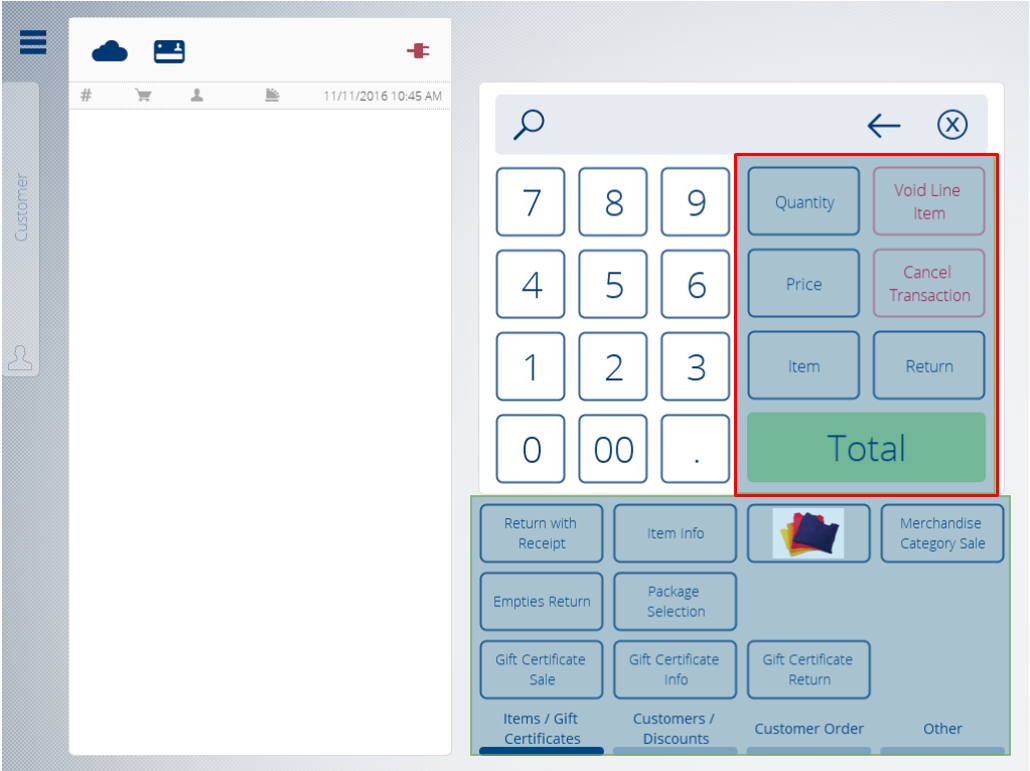
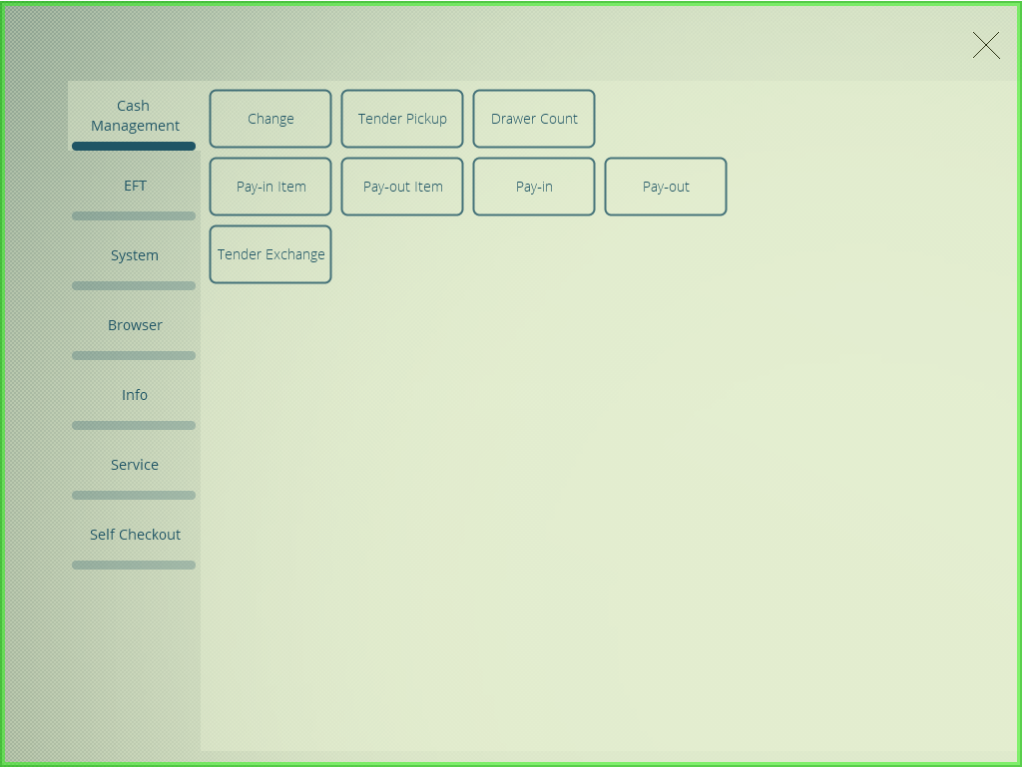
Tableaus are created, modified and managed with the help of the Menu Editor.
Note:
the Menu Editor only allows tableaus to be created in specifically assigned areas of the user interface. The layout and design of the user interface are predefined and cannot be changed. For example, it is not possible to use the Menu Editor to add new button panels to a screen or to change the position of an existing button panel.