
Initial Setup – Use Cases
Employee Hub can be used as an application on mobile clients.
Initial Setup
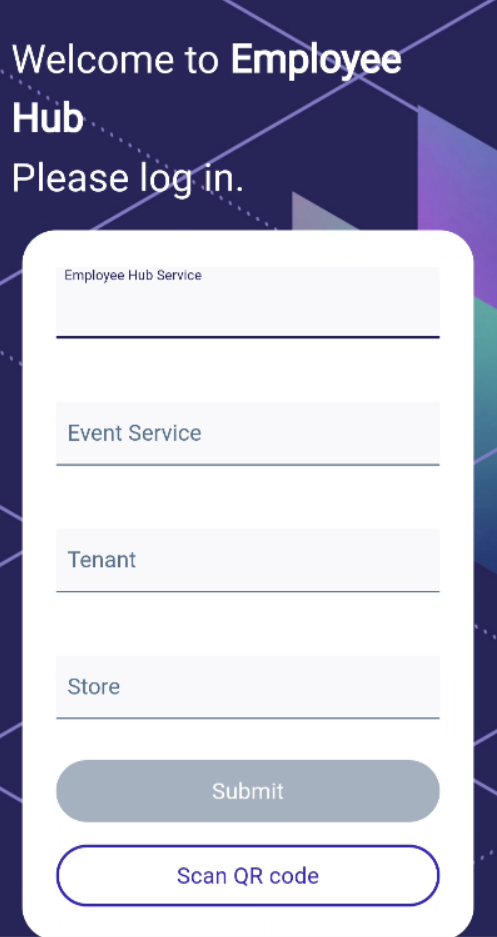
Start the "Employee Hub" application from the application menu. When you start the application for the first time, you are asked for the configuration/personalization.
The easiest way to set the configuration is to use the button Scan QR Code. Scanning the QR Code will then take you through the whole initialization.
The other way is to configure everything manually:
- Enter the URL for the Employee Hub Service (hostname is needed - IP cannot be used). Confirm your entries using the keyboard or by clicking away from the input field. Validation of the server connection will run.
- All required fields are valid.
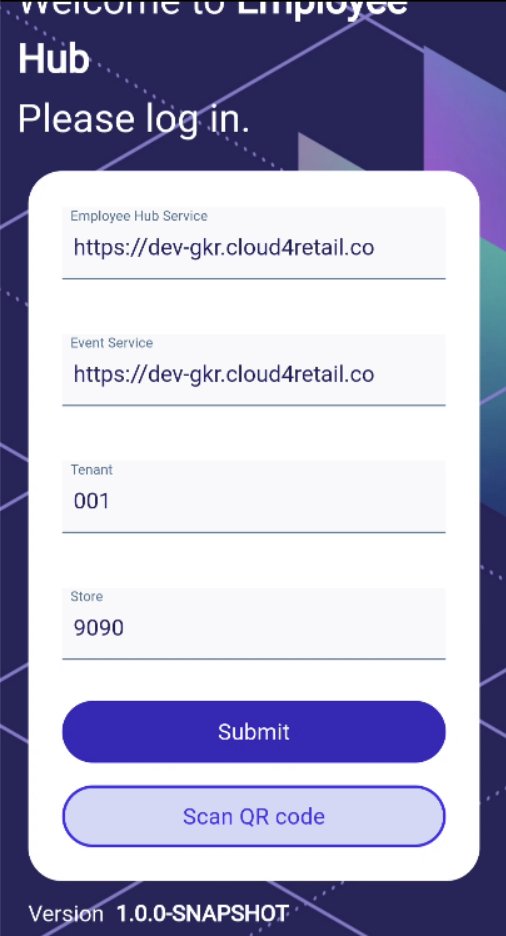
- Submit. The application is configured. The login mask is shown.