 Creating Language Resources
Creating Language Resources
Unless you are working with language-specific HTMLBusiness templates, you should create at least one language resource file for the language in which the application is being developed.

If you are developing applications using the Web transactions implementation model, it is best to create language resources with the SAP@Web Studio resource wizard, but you can also
If you are developing applications using the flow file implementation model, you must
create the files manually.Prerequisites
There must be a user in the R/3 System which your service is using.
You must first create a
service file and at least one HTMLBusiness template.Procedure
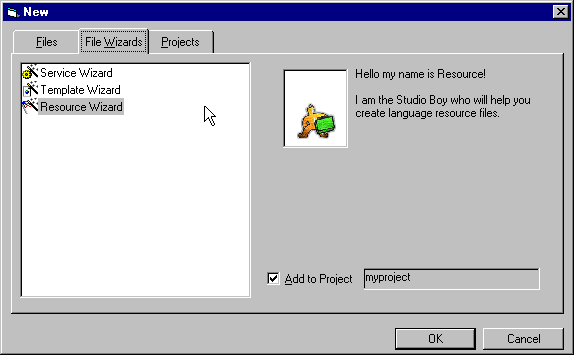
To create a language resource file using the resource wizard:
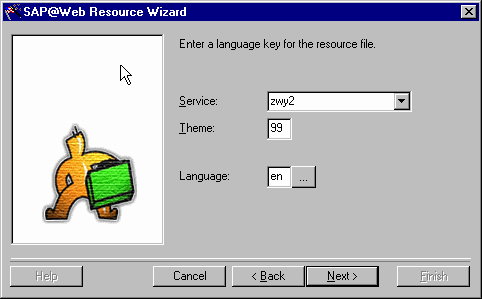

If you define service-specific logon information, remember that the language key must be:
You get a dialog window that lists all the language resource files that exist for this service.
Result
The SAP@Web Studio creates a language resource file called
You can edit this language resource file in the
grid control editor.