
Confirmation Prompts After Returns
Confirmation prompts are displayed when leaving the initiated action may cause a loss of data. There are two possibilities:
With Post/Save
("POPUP_TO_CONFIRM_ STEP" or "POPUP_TO_CONFIRM_ WITH_VALUE")
The first possibility should be the standard return option, if possible. The user leaves the task function, and the previously entered data is either posted or saved, otherwise unsaved data will be lost. In addition, the user can use the "
Cancel " option to close the dialog box again and cancel the initiated action.
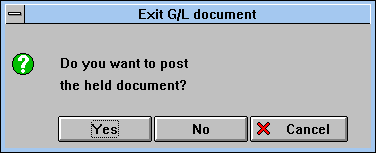
Dialog box with confirmation prompt when Post/Save is possible (Exit)
Procedure
Layout
Further Example
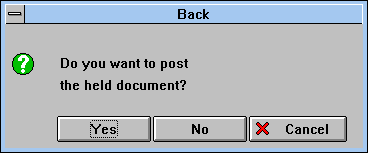
Dialog box with confirmation prompt when Post/Save is possible (Back)
Post/Save is Not Possible
("POPUP_TO_CONFIRM_ LOSS_OF_DATA")
The second return option is used if data is inconsistent or if too extensive costly checks would need to be performed. The user can respond to the confirmation prompt in one of two ways: Either leave the task function and lose the previously entered data, or return to the task to proceed.
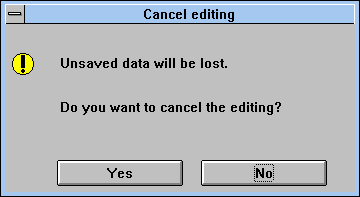
Dialog box for inconsistent data which cannot be saved
Procedure
Layout
Unsaved data will be lost.