
Customer Creation Function
This function is intended for retailers and allows customer creation of both customer types - a person or an organization.
"Create" Mode
This mode is available from:
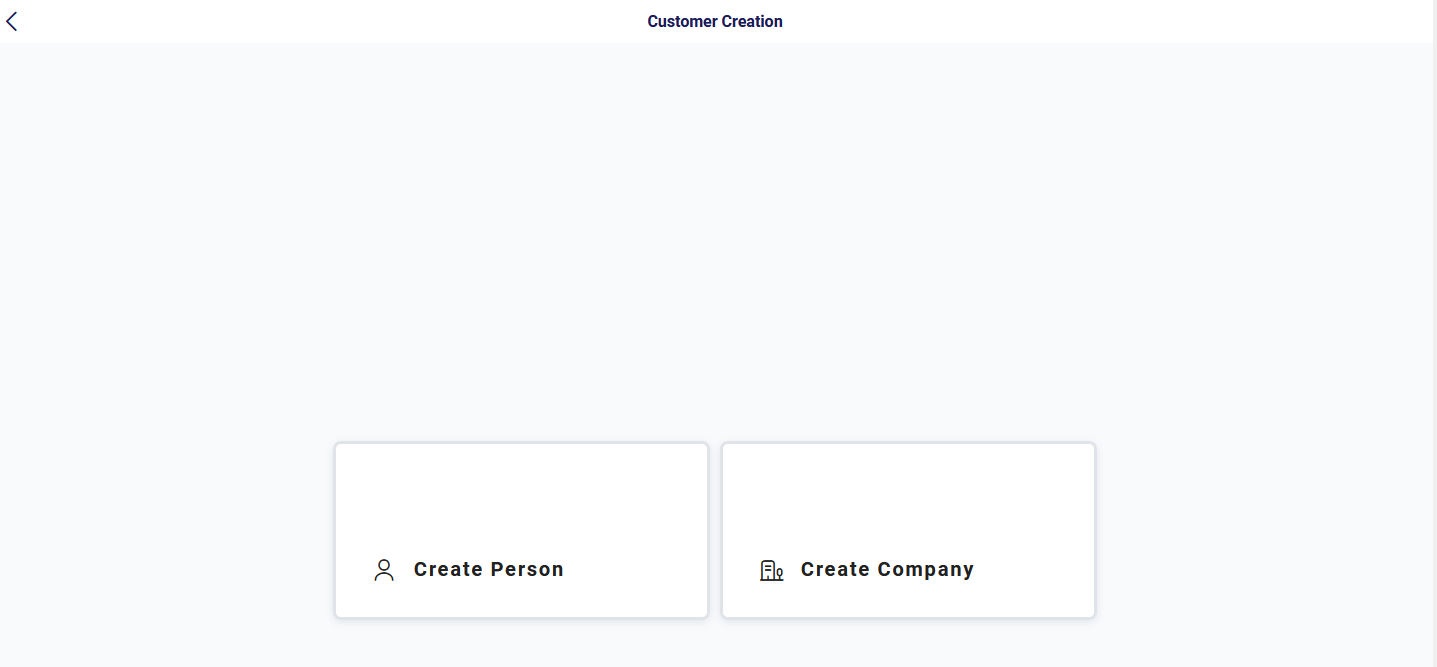
- If the user clicks on the link in the main menu, the screen for selecting
"Create Person" or "Create Company" is
displayed. Depending on the option selected, the Customer Creation
function opens to create either a person or an organization.
- Customer Overview screen via the "Add Person" or "Add Company" button. The screen for the corresponding customer type opens.
The POST /persons or POST /organizations endpoint is used to create a new customer.
Screen name: Customer Creation - Person/Customer Creation - Organization
"Edit" Mode
This mode is available from:
- Customer Overview screen for the selected customer via the "Edit" option
- Customer Details screen for a customer via the "Edit" option
Screen name: Customer Maintenance
The GET /customers/{id} endpoint is used to display an existing customer.
The PUT /persons/{id} or PUT /organizations/{id} endpoint is used to edit an existing customer.