 Managing Processes and Tasks with the Process Desk
The process desk enables you to manage processes and tasks and to display details on the process. It belongs to the human interaction management part of SAP NetWeaver Business Process Management.
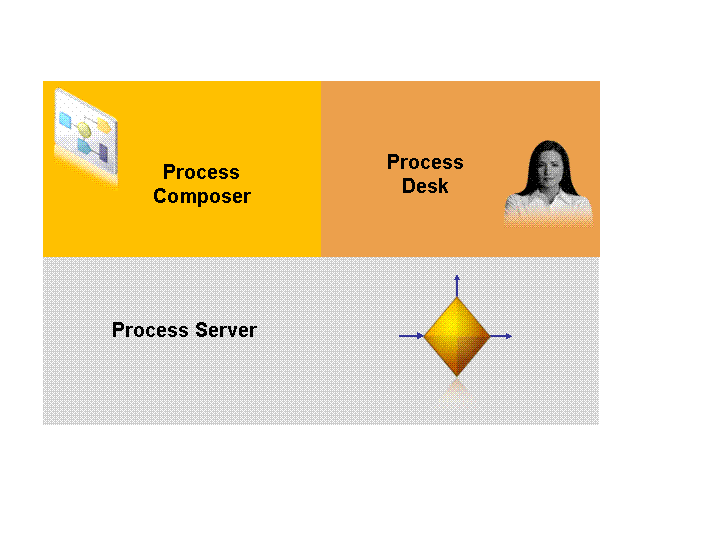
The process desk is composed of the following tools:
Universal worklist (UWL) is the central access point to tasks, alerts and notifications. The UWL is based on the portal platform.
More information: Managing Tasks and Alerts in the Universal Worklist
Task execution user interface provides a user interface for the task, for example to complete the task.
More information: Completing Tasks and Task Execution User Interface
Process list shows processes with requested details, for example all processes in which you are involved.
More information: Displaying Processes in the Process List
Process visualization shows the process in a graphical representation with details on the objects, for example on a task.
More information: Displaying the Process in a Graphical Representation
The following sections explain how to display and manage processes and tasks in the tools mentioned above. The configuration steps required to display processes and tasks in these tools are described in the Configuration Guide.
More information: Configuring the Process Desk
As a process administrator, you can also monitor and manage processes and tasks with the SAP NetWeaver Administrator. The SAP NetWeaver Administrator's tools provide many functions, such as suspending and resuming processes and tasks. In addition to the tools for managing and monitoring processes and tasks, the SAP NetWeaver Administrator provides a tool for troubleshooting and a process repository tool that displays all deployed process components.
More information: Managing Processes and Tasks with SAP NetWeaver Administrator