 Working with the Main Screen for Worklist Assignment
On the main screen for worklist assignment, you can view information about all users and organizational units that are assigned to worklists. If you are in editing mode, you can also change the assignments.
For information about the actions that you can execute on the main screen, see Displaying Worklist Assignment and Changing Worklist Assignment.
Features
The following screen areas are available on the main screen for worklist assignment:
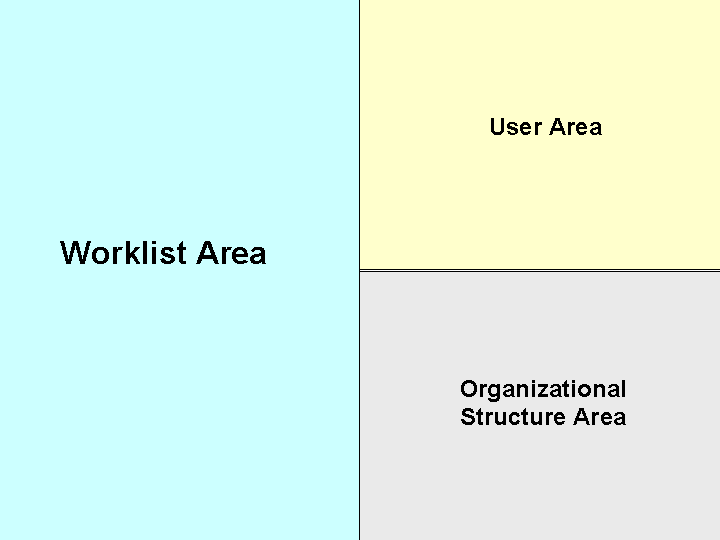
The worklist area is on the left side of the screen. This is where you can display the users and organizational units on the first level according to software component, and on the second level according to worklist. Users have the prefix US and organizational units have the prefix O.
The user area is at the top right corner of the screen and contains the user names sorted by the initial letter of the user name.
The organizational structure area is on the lower right-hand screen area, where you can display organizational units according to software component, and if any exist, you can display the assigned positions with the assigned users. Organizational units have the prefix O and positions have the prefix S. As positions are connected to organizational units, you cannot assign positions directly. They must be assigned indirectly using the organizational units.
 Note
Note
The higher-level organizational unit is the root organizational unit that you specified in Customizing for Postprocessing Officeunder  Worklist
  Define Root Organizational Unit
  .
.