 Extending the Online Bookshop

Extending the Online Bookshop
In this section, you will extend the first page of the
Online Bookshop by adding one line to the header page fragment. This line enables the user to go to the standard pages (Search, Create New User, Shopping Basket, and About) from any page.
Users use these pages to do the following:
The search function and the detailed book data display are transferred from the
Online Bookshop.The user registration function is also new:
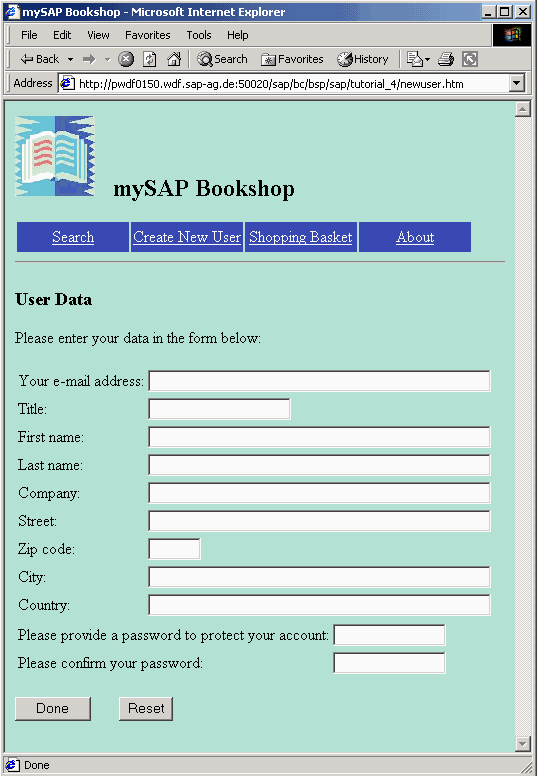
On this page, the customer (user) enters his or her name, address, company, and password. When the user clicks the done button, the data is checked for completeness and for identical passwords, and is then entered in the database table
BSCUSTOMER.If the registration is successful, the following page appears:
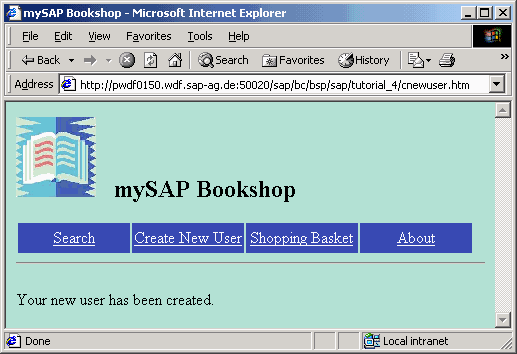
The next time this user wants to place an order, he or she only needs to enter his or her e-mail address and password.
Adding an administration function for the shopping basket is another way of further extending the functionality of the
Online Bookshop. When the shopping basket is empty, the page basket.htm looks like this:
If you search for a book, select it, and place it in the shopping basket, the shopping basket then looks like this:
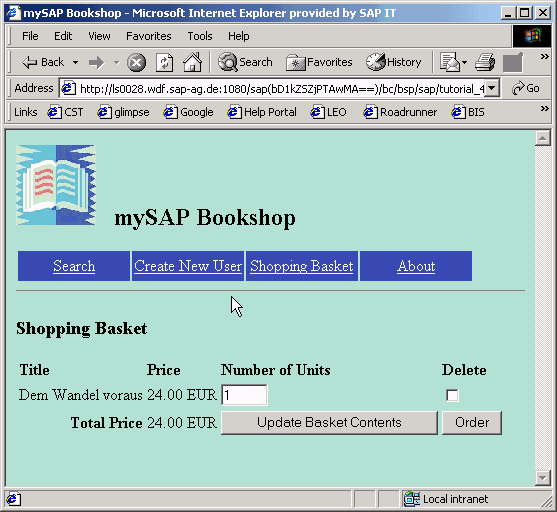
On this page, the user can change the number of books, remove items from the basket, and update the basket.
Once the user has completed the order, he or she chooses Order Basket to place the order. The following page appears:

On this page, the user enters his or her e-mail and password to authenticate the login. If the user is not yet a registered customer, he or she can also register on this page.
If the e-mail address and password entered are correct, this activates the order. The page
corder.htm opens.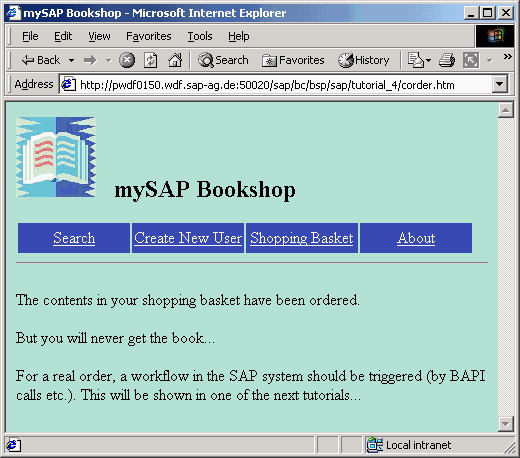
This completes this addition to the bookshop.
In the next step, you will learn how to trigger the ordering process, for example, by means of a BAPI. The BAPI in turn triggers the creation of an invoice, the deletion of a book from the bookshop, and the delivery of an item.

The method for processing this BSP application is described in section
For information on the data model in the SAP System, see the section
Data Structures. Go to
Go to