 InfoSet Display
InfoSet Display
Use
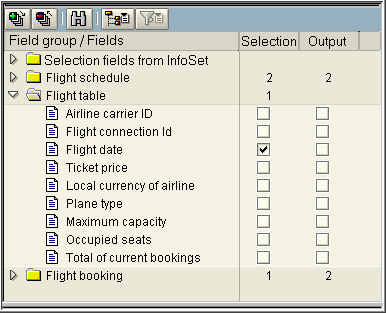
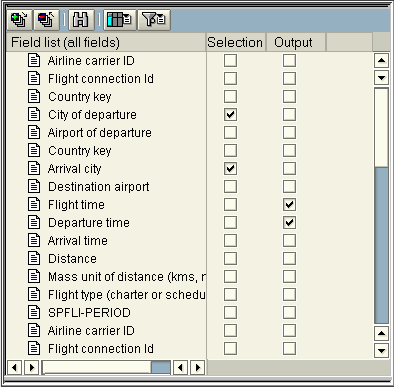
The current InfoSet is displayed in the top left-hand corner of the InfoSet Query. You can choose between three display options:
In addition to the InfoSet field groups, the additional field group Selection fields from InfoSet is automatically displayed. This contains the fields that were defined as selection fields in the InfoSet or in the logical database.

Every InfoSet field is indicated with an icon that tells you if field values have corresponding texts. The following icons are displayed:
 You can only use values for selection and output with these fields. You can use this field for selection as well as for output.
  A text can be automatically determined for every possible value of the field. When selecting a field like this for selection or for output you can decide whether you want to use the field value or the text that belongs to the value or both. You can set the default by using the function
 There are two columns for every InfoSet field in the tree, which each has one selection field. Selecting a field in the first column copies that field to the selection field list. Selecting a field in the second column turns that field into an output field.