Sharing Entities and Task Chains to Other Spaces
Share a table, a view, or an analytic model to another space to allow users assigned to that space to use it as a source for their objects. Share a task chain to another space to allow it to be added to and controlled by another task chain in the space that you share it to.
Prerequisites
-
Data Warehouse General (-R------) - To access SAP Datasphere.
-
Data Warehouse Data Builder (-R----S-) - To share objects to other spaces.
-
Spaces Files (-R------) - To access objects in a space.
You must ensure that the local table (file) to be shared has a technical name that is unique regardless of letter case. Because the underlying Delta Sharing catalog treats identifiers as case-insensitive, you cannot share two local tables (File) from the same source space to the same target space if their technical names differ only by letter case (for example, SalesOrders and salesorders). SAP Datasphere rejects deployments that would create such naming conflicts. For more information, see Rules for Technical Names.
Preparing to Share Entities
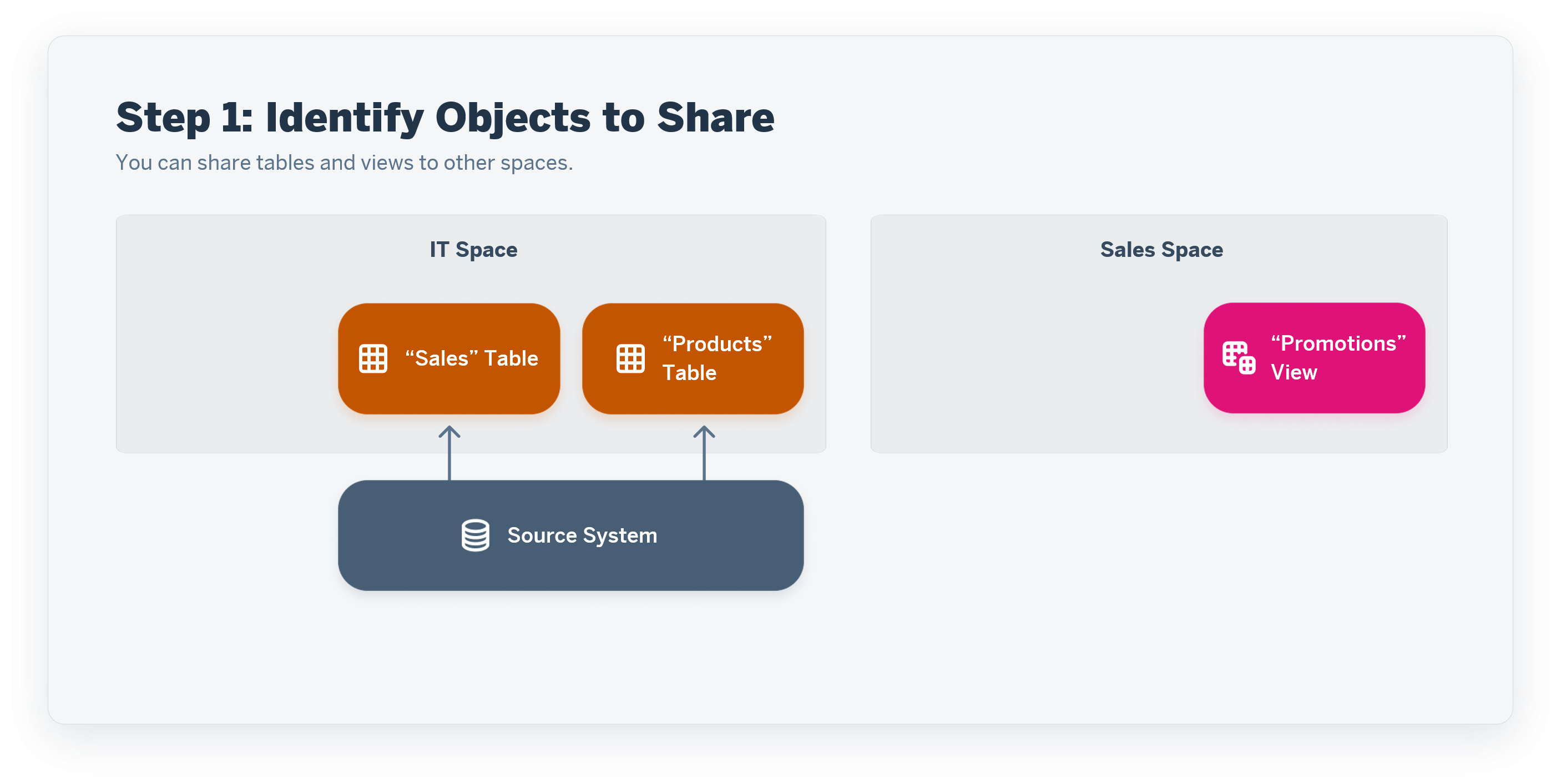
Your space is a secure area and its entities and other objects (and their data) cannot be seen in other spaces unless you choose to share them. When you share an entity to another space, users in that space can see its data and use it as a source for their views and other objects.
You can share tables and views, but only views can have row-level security applied to protect data (see Securing Data with Data Access Controls).


Share Supporting Entities
-
Dimensions - Providing categories to analyze measures (see Create a Dimension to Categorize Data)
-
Text entities - Providing translations of text values (see Create a Text Entity for Attribute Translation)
-
External hierarchies - Providing drill-down capabilities (see Create an External Hierarchy for Drill-Down)
-
Hierarchies with directories - Including all their supporting entities (see Create a Hierarchy with Directory)
-
Value help entities - Providing values for input parameters (see Create an Input Parameter in a Graphical View)
-
Lookup entities - Providing help in deriving values for variables (see Create a Variable in an Analytic Model)


Share Task Chains
-
Select the task chains you want to share in the Data Builder start page or Repository Explorer.
Alternatively, open a task chain in its editor. -
Click to open the Share dialog.
-
In the Add Spaces field, enter the name of the space or spaces that you want to share the objects to (or click to select the spaces in a list and then click Select.
-
Click Share to grant the other spaces Read access to the objects.
If you have selected a single space, the Shared with list is updated to include these spaces. -
Click Close to close the Share dialog.
Objects that are shared to other spaces display a icon after their business name in the Data Builder start page and Repository Explorer. You can click this icon to open the Share dialog, review the spaces the object is shared to, and, if appropriate, stop sharing it.
Review Objects Shared With Your Space
-
In the Repository Explorer (see Repository Explorer).
-
In the Data Builder start page:
-
If you have access to the source space, then you can open the shared object in its editor.
-
If you do not have access to the source space, then it is listed without a link. You cannot open it, but you can use it as a source in your data builder objects.
-
-
In the Source Browser in any Data Builder editor (see Using the Source Browser).