
General Configuration
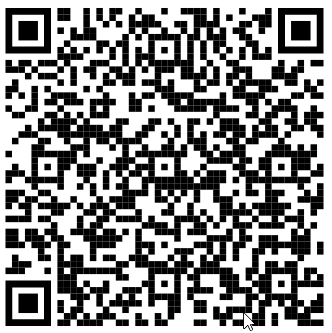
The Self Scanning has a default configuration to perform Self Scanning trips. Nevertheless, it might be necessary to switch to a different system or use a different tenant (retailer). To do so, the application provides the option to scan a QR code, which contains the necessary information.
Application configuration QR code:
| Parameter | Description | Required | QR Code Sample |
|---|---|---|---|
| baseUrl |
Destination URL to reach the backend server (API Gateway). Typically, the URL contains the protocol, the host, and the port. |
Yes |
|
| tenantId | GK internal ID of the used tenant (retailer) | Yes | |
| authenticationMethod |
The application can be configured to use different authentication methods:
|
No | |
| cpsVerificationMethod | Verification method when the CPS is set as master CRM | No |
To start a Self Scanning trip, a consumer needs to scan a check-in code located in the entrance area of a store. This QR code tells the application which store the consumer wants to start Self Scanning in and which master data/configurations should be loaded.
Self Scanning Check-in QR Code:
| Parameter | Description | Required | QR Code Sample |
|---|---|---|---|
| tenantId | The tenant identifier. If the tenant is not defined, then the value is taken from the app settings. | No |
|
| businessUnitId |
GK internal ID of the store (businessUnit). The application uses this ID to load store-specific information (e.g. item master data) and configurations. |
Yes | |
| businessUnitName | Name of the store, which can be displayed to the consumer (e.g. "You checked in to the following store: xxx)" | Yes | |
| GeoInfo |
"defaultLongitude" : <e.g. middle of Germany>, "defaultLatitude" : <e.g. middle of Germany>, "defaultMapRadius" : 10000, "defaultPhysicalRadius" : 50 These values are used within the shopfinder tool to allow users to navigate to the store and represent the store on the map. |
No | |
| simpleMdType | Defines the format of the simplified master data (items). The default is v2. | No |