 Checking Application Usage
Prerequisites
You are working in the expert mode.
Procedure
Choose
 Tools
Tools  Application Usage
  .
.The application usage page opens.
Enter the application's name in the Application field and choose Select.
In the Object Query dialog box that appears, select the application from the table list.
The selected application appears in the application usage page.
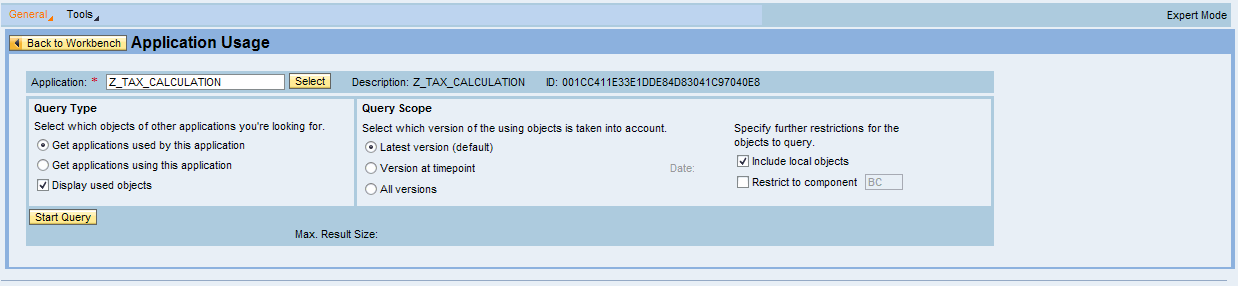
Choose the query type.
You can select applications used by the selected application or select applications using the selected application.
Choose the query scope.
You can select the latest version or the version at timepoint or all the available versions.
Choose Start Query button.
The query result appears below the Start Query button.