 Saving Lists


Saving Lists
Use
You can save a query that you have executed as an ABAP list and display it at a later date.
Procedure
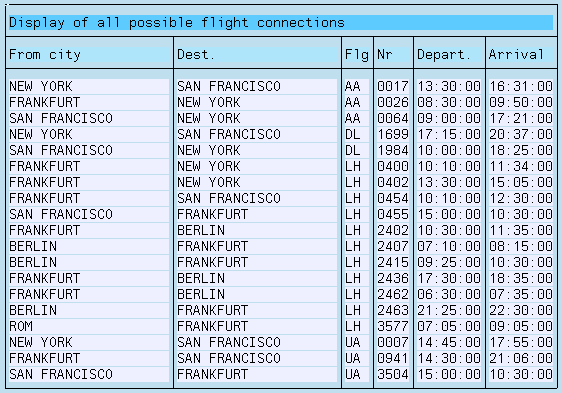
After you have made your selections and selected the ABAP List option to display the list, a list similar to the one below is displayed.
 function to save the list..
You get an overview of all the lists that have been saved for this query already:

On this screen, you identify each list by the date and time it was created. Each list also has an explanatory text to help you locate the right list.
Your current list is the first entry. The system shows the date the list was created. You have to add the explanatory text.
 function to save the text and the list.
You return to the display of your current lists.