 The Calendar Display


The Calendar Display
Use
The appointment calendar has two screen areas:
Navigation area
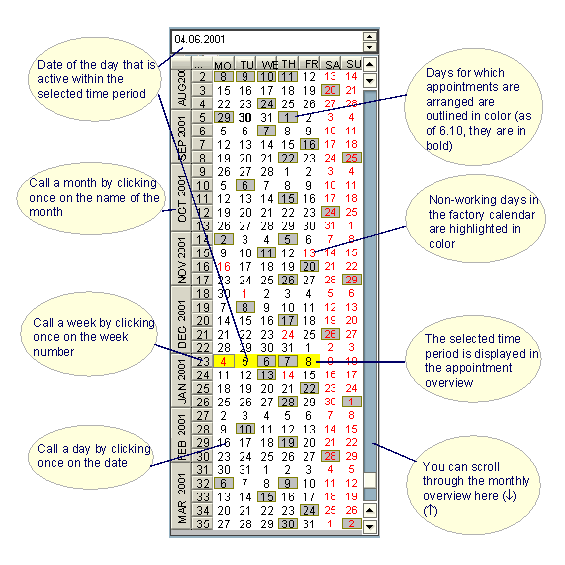
The navigation area displays an overview of several months and enables the user to navigate quickly over a longer time period and to change the time period displayed in the daily or weekly view. Days for which appointments have been arranged appear in bold. If a factory calendar is specified in the calendar settings, the dates of non-working days are displayed in red.
Appointment overview (daily, weekly and monthly view)
The appointment overview gives an overview of the appointments in the selected time period and enables the user to call the appointment editing functions quickly: You can switch between the daily, weekly and monthly view.
The graphic shows how appointments are displayed in the appointment overview, using the weekly view:

Activities
The
standard toolbar for the appointment overview provides functions for changing the calendar display. You define the default settings for the calendar display in the calendar settings.