 Display User Group Directory


Display User Group Directory
Procedure
To display a directory of the user groups to which you are assigned, select Change User Group  .
.
Result
The system displays a list of two-character user group names together with their long text descriptions. The long text is intended to help you choose a user group:
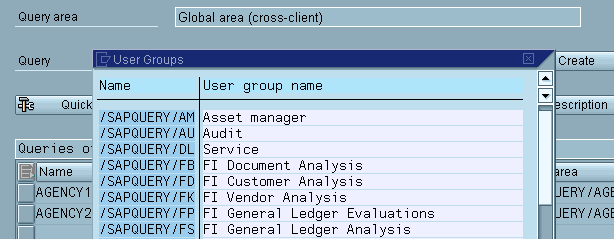
In this list, you can select a user group by selecting an entry and clicking on the Select  button.
You return to the initial screen. In the lower screen area, the queries are displayed for the selected user group. You are now able to select a query to be executed or processed (see
Selecting Queries for Processing).