 Determining the Sort Sequence


Determining the Sort Sequence
Choose the tab Sort sequence. Here you can determine list sorting and output criteria.
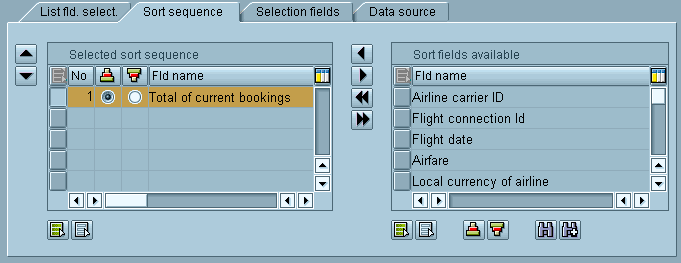
Select sort fields in the table control located on the right. You can sort and find fields in the Available fields table control with the appropriate pushbuttons. When you have found the fields you want to sort according to, use the  pushbutton (Column left) to transfer these fields to the table control on the left. Radio buttons allow you to determine if you want to sort ascending or descending.