
 Search for Solutions: Flow

Use
You are looking for a solution to a certain problem.
Prerequisites
You are working in the SAP Enterprise Portal.
You have started the internal service request function.
Process Flow
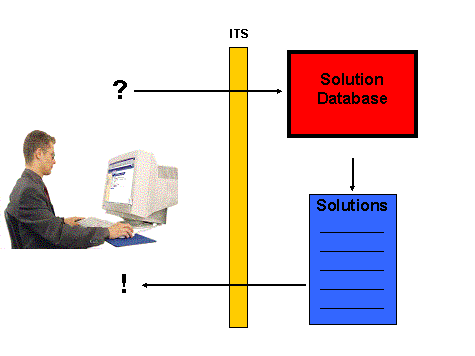
...
1. Enter a problem description text. You do not need to restrict your text to key words.
2. The system uses a search engine to find solutions to your problem. The search engine filters the text based on its words and their conjugation and declination. It also uses word families.
For more
information on the search machine, see the SAP Library under Financials
→ Controlling → Cost Center Accounting → Information System → Interactive Information System
→
 Searching for
Documentation on Reports under Searching for Documents Using the Retrieval
System.
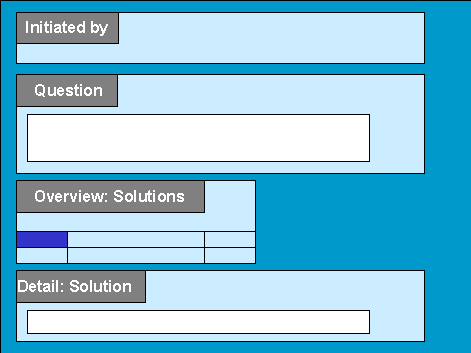
Result
You have found solutions to your problem.