
 Testing a Class

Use
You use this procedure to test a class in the Class Builder.
Prerequisites
You have run the syntax check for the class. If there are any syntax errors, you cannot open the test environment.
Procedure
You can use the test environment for classes in the Class Builder and for object types in the Business Object Builder.
In the Class Builder
...
1. In the Repository Browser (transaction SE80), navigate to the class you want to test.
2. In the context menu of the class, choose Test → Test.
In the Business Object Builder
...
1. Start the Business Object Builder (transaction SWO1).
2. Enter the name of the object type.
3. Choose Test.

You can also choose the object type that you want to test from the Business Object Repository and double-click to display it. Then choose Test.
Result
The system opens the test environment and displays the class as a tree:
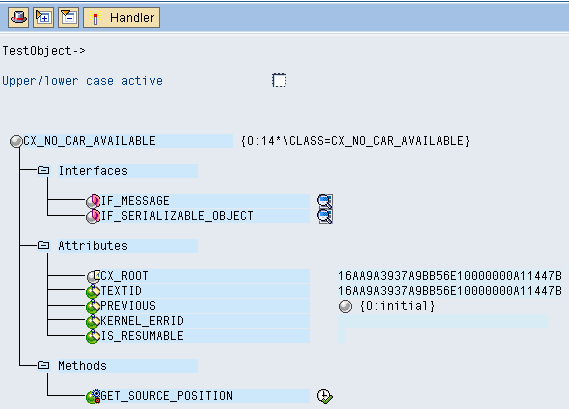
Testing a Class