 Creating a New Java Project
You create a Java project in this step. Later, you will create the Java class in this project to implement your login module.
Procedure
Using the SAP NetWeaver Developer Studio:
From the menu path, choose
 File
File  New Project
  .
.In the dialog that appears, select Java Projectand choose Next.
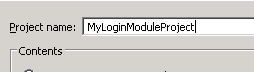
Specify MyLoginModuleProject as the Project name.
New Java Project Dialog Preview
Choose Finish.
The new project is created. The wizard opens the associated with the project perspective.
Select the name of the project and open the context menu. Choose
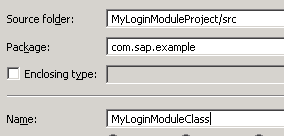
New Class .Choose the Package field for your login module class and enter com.sap.example for its name.
In the provided dialog, specify MyLoginModuleClass as the name of the class:
New Java Class Dialog Preview
Choose Finish.
Result
The Java class for the new login module is generated in the specified Java package.