 Pushbutton
A pushbutton (see the picture below) is a UI element that you can use to execute the assigned function. Pushbuttons can contain text and graphical icons. Special types of pushbuttons are:
When the button has the focus, you can use Space or Enter to activate the button function. If the pushbutton is used as a default button, you can also activate it by choosing Enter even if it does not currently have the focus. If a button is used as a default button, the button is emphasized accordingly.
If the button has an accelerator key (underlined character), you can choose Alt + underlined character key to activate the function.
You can use a toggle button to switch a function on or off. When you activate the function with Space or Enter, the toggle button indicates this pressed state visually. You switch the function off by choosing Space or Enter again.
When you choose Space or Enter on a menu button, a menu opens up and you can choose one of the functions in the menu. You can then access one of the functions listed in the menu. The navigation works the same as in other menus. Choose Enter to activate the required function.
To activate the function of a configuration button, choose Space or Enter when the button has the focus. To open the menu, choose Alt + Arrow down. The navigation works the same as in other menus. When you have chosen a function from the menu, the button displays this function from then on.
Access
Pushbuttons support sequential element navigation. This means that you can move the focus forwards to a pushbutton using Tab or backwards using Shift + Tab.
Help Functions
If the pushbutton has a tool tip, you can call it up by choosing Ctrl + q.
Example
The picture below shows a graphical example of a Logon pushbutton with an underlined L as the accelerator key.
To activate the function of the Logon button directly, choose Alt + l.
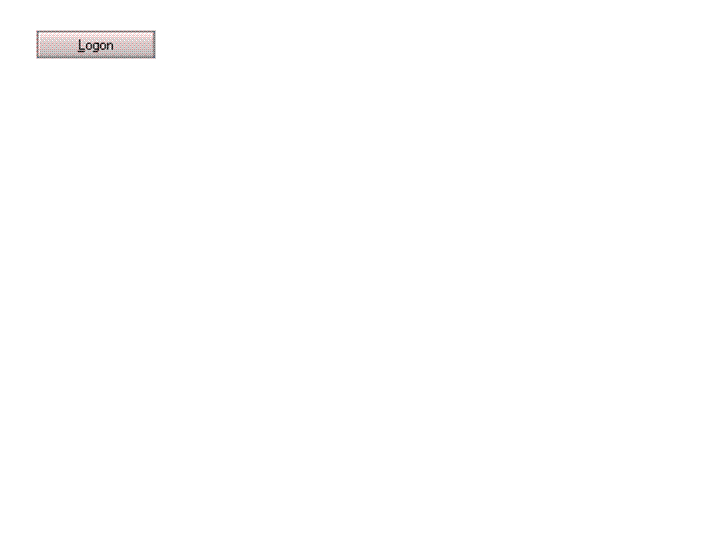
Example of the Display of a Pushbutton with an Accelerator Key