
 Overview of the Application Window

Purpose
The application window of the Partner Connectivity Kit (PCK) is the interface between the user and the functions for configuring parties, services, and communication channels and the definition of message mappings.
Application Window
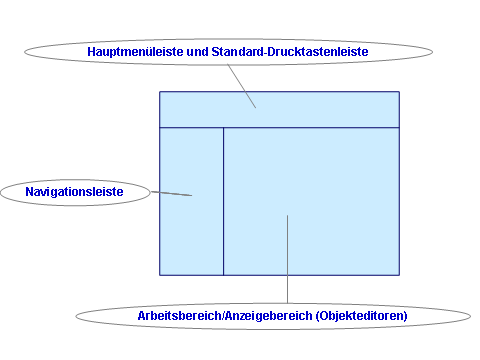
The application window consists of the following areas:
● Main Menu Bar and Standard Toolbar
● Work Area
The object editors are displayed in the work area. These object editors include functions that relate specifically to the objects that are open.
More information: Object Editors
Access to Functions
You can call the functions in various ways:
● From the main menu bar or standard toolbar
● In the object editors

More information about accessibility: Notes on Accessibility.