
 Tray Properties

Properties in the View Designer
● activateAccessKey
Activation of access keys.
This property can be personalized both by a user and by an administrator.
● design
Display of the Tray.
This property can be personalized by an administrator.
Value |
Visual Display |
Description |
Can be set using personalization |
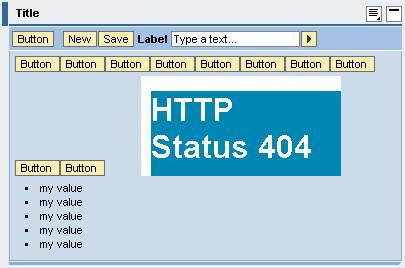
fill |
|
The content area appears with a background color. |
Yes |
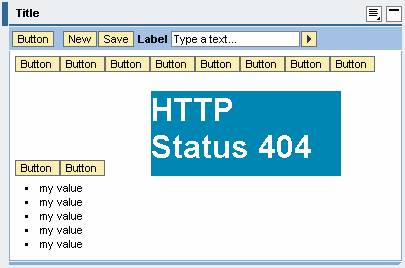
plain |
|
The content area appears with a white background and a frame. |
Yes |
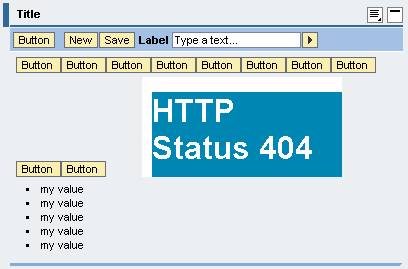
transparent |
|
The background is transparent; the content area appears without a frame. |
Yes |
● expandable
Specifies whether the Tray can be expanded in general.
● expanded
Determines whether the Tray is expanded. If the Boolean value is false, only the tray heading with an expand button is displayed. The toolbar and content area are invisible in this state. When you press this icon, the Tray expands and the expand button changes to a collapse button.

This property, which does not have to be bound, can be changed by the client. More information: Properties Used in MultiPane or TablePopin.
● hasContentPadding
Specifies whether there is a padding between the content area and the tray border.
This property can be personalized by an administrator.