Object Fields at a Glance

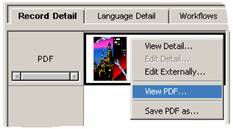
On an object table, the object field is where the actual object is stored. The object’s thumbnail or content is displayed in the object field cell, which appears on the left-hand side of the Record Detail tab.
Right-clicking on the object’s thumbnail or content opens a context menu containing the commands available for that object type, as shown in the figure below.