
 Validations Tab

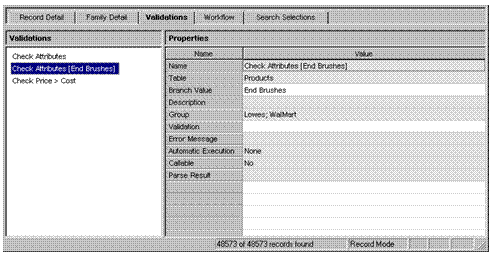
Use the Validations tab (tabs pane) to add, rename, delete and duplicate user-defined validations, and to view and edit validation properties. The Validations tab contains a multi-object properties grid that consists of two subpanes: (1) the Validations pane, which lists the user-defined validations; and (2) the Properties pane, which lists the set of properties for each user-defined validation.
See Validating Records for more information.