 PC Editor
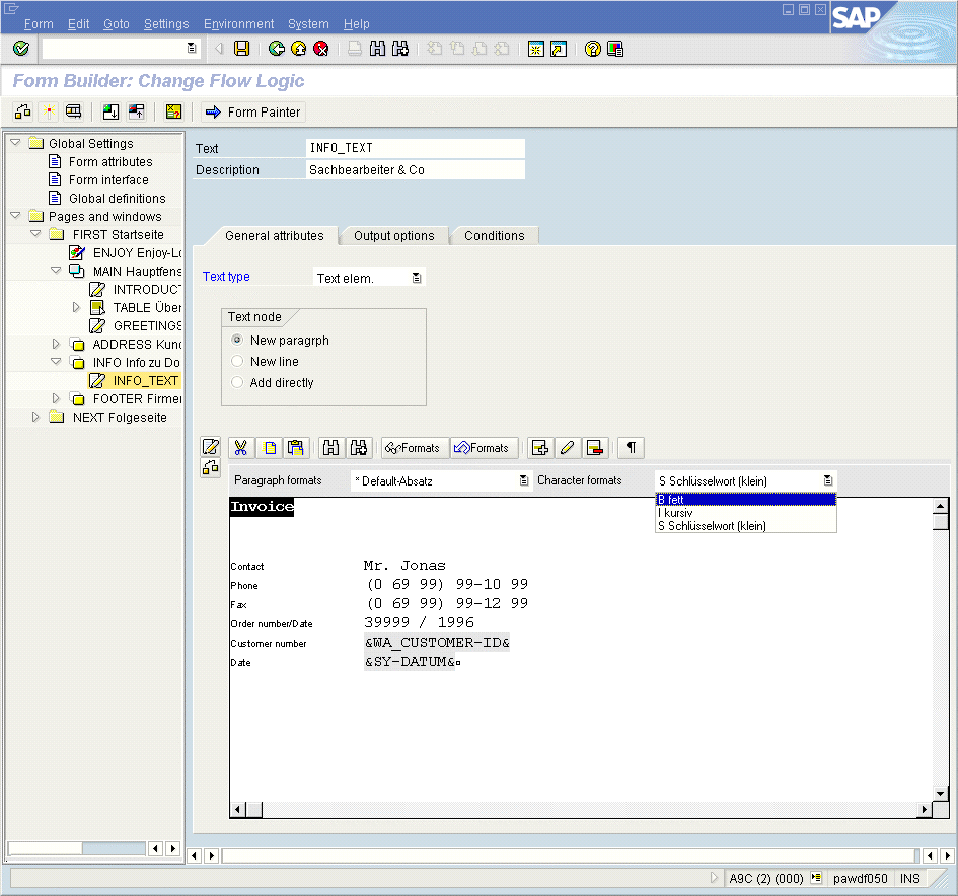
You use the PC Editor to enter and format texts and fields.
Features
Among others, the PC Editor offers the following functions:
Enter, delete, select, cut, and copy texts (see also Entering Text in the PC Editor).
Assign paragraph and character formats. The available formats appear in the list boxes Paragraph formats and Character formats. To view overlapped character formats, choose Display Formats....
Include, change, and delete fields (see also Using Fields in the Form).
 Note
Note
The PC Editor displays fields with a gray background.
End of the note.