
 Making Reference to the Security Provider
Service
Making Reference to the Security Provider
Service

Procedure
...
1. Open the library project and double-click on the provider.xml file:
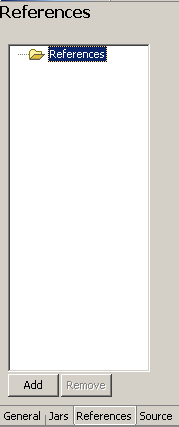
2. Choose the References sub tab. Select the Reference folder and then choose Add:
Reference Tab Preview
3. In the dialog that appears, choose Select library/interface/service.
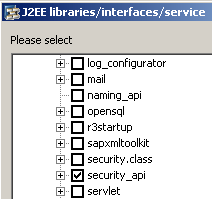
4. From the dialog that appears, select security_api reference and choose OK:
J2EE libraries/interfaces/service Dialog Preview
5. Save the file.
Result
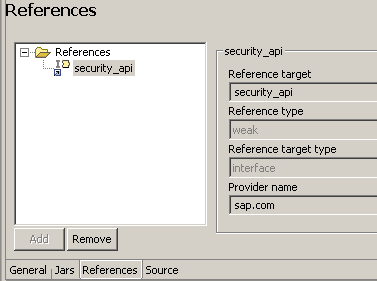
In the Resource sub tab you can see the following:
Result Preview
Next Step
Setting the Classpath to the JAR of the Login Module