Breakpoints at Subroutines
Use
You can use this special kind of dynamic breakpoint to interrupt a program directly before a subroutine is called.
Prerequisites
You must be already running the program in the debugger.
Process
To set a breakpoint for a subroutine:
-
Choose
 Breakpoint
  Breakpoint at Subroutine...
  The following dialog box then appears: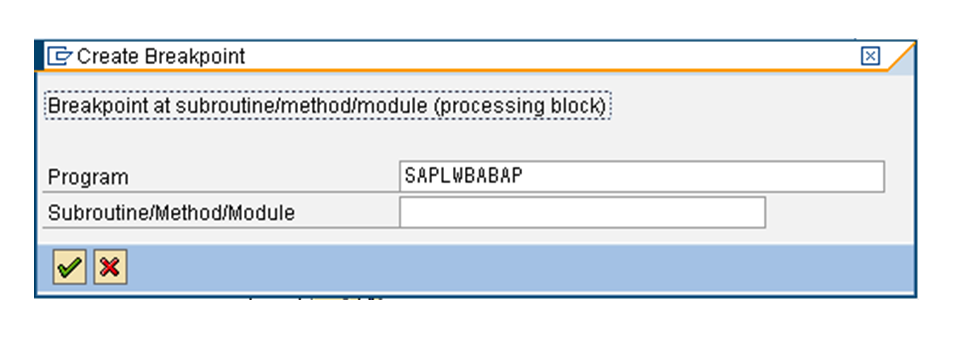
-
Enter the name of the subroutine before which you want to interrupt the program. By default, the Program field contains the name of the program that is currently active. The system sets a breakpoint wherever the specified subroutine occurs in the program code.
-
Press ENTER.
Result
The system confirms the breakpoint. The breakpoint is added to the list in the display.