 Start Conditions for Workflows
You use this function if you want to define additional conditions for the start of a workflow.
 Note
Note
You can only define start conditions for workflows that are started by a triggering event.
Features
This function enables the definition of start conditions for a workflow.
This means that the start of a workflow no longer depends only on whether a specific event is created, but also on the occurrence of additional conditions.
 Example
A workflow is to be started when a notification of absence has been created and the creator of the notification of absence belongs to a specific group of people.
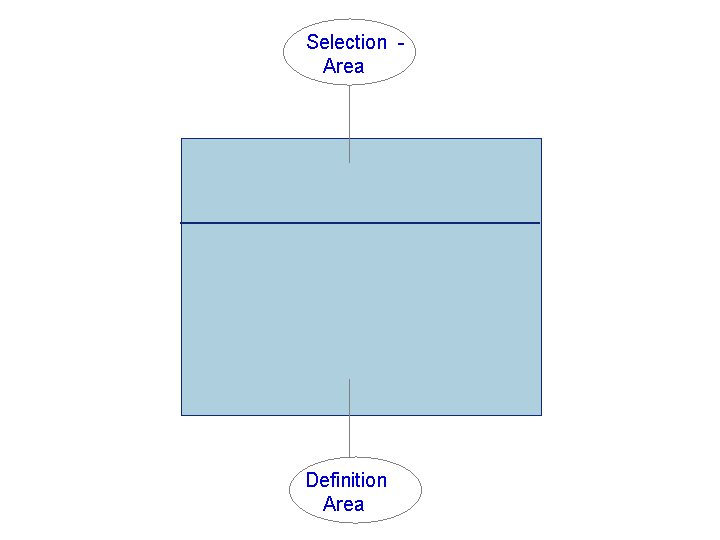
Selection Area
The following selection criteria are available for selecting a particular workflow:
Start Condition
Here you can search for the name of a particular start condition defined for a workflow.
Business object
Here you can search for workflows with start conditions using a particular object type.
Event
All the events for the chosen object type, which are linked with workflows as triggering events are offered for selection here.
Workflow
Here you can search directly for workflows with start conditions.
NoteIf a newly defined triggering event is not displayed, check that the type linkage was activated when the workflow was defined.
End of the note.
Definition Range
In this area you can define additional start conditions for workflows or view and change existing start conditions.
The individual lines of a start condition provide the following information:
Name of the start condition
Currency
Triggering event of workflow
Start Condition
To change the start condition, the name of the condition, or the currency, single-click on the relevant area.
Note
After entering the description of the start condition you must press the enter key so that the change takes effect.
The condition editor is used to determine conditions.
Select  to activate the start condition (or to deactivate it). Select
  to delete the start condition.
Personal Settings
You can display and edit personal settings by choosing  Extras
  Settings
  . In particular, you can set whether the maintenance of start conditions is to be cross-client or client-specific.
Note
In the cross-client view you cannot activate or deactivate start conditions if they are redefined in a client. They are marked with the symbol  . Start conditions that are not redefined are only activated or deactivated for the current client in the cross-client view.
Activities
Choose the following for workflow start conditions: Tools Business Workflow Development Definition Tools Events Event Linkages Workflow Start Conditions .
To create a new start condition, select  .
.
Note
You can also create start conditions for triggering events directly from the Workflow Builder. To do this, go to the tab page Start Events in the version-independent basic data of the workflow. Click on the cell Start Condition in the line of the relevant triggering event. This displays the condition editor directly.