 Breakpoints at Function Module Calls
You can use this kind of dynamic breakpoint to interrupt a program directly before a function module is called.
Prerequisites
You must already be running the program in the Debugger.
Procedure
To set a breakpoint for a function module:
Choose
 Breakpoint
  Breakpoint at Function module..
  . The following dialog box appears: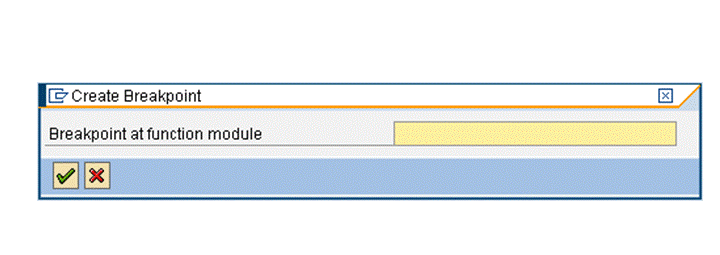
Enter the name of the function module before which you want to interrupt the program. The system sets a breakpoint wherever the specified event, module pool, or subroutine occurs in the program code.
Press ENTER.
Result
If you entered a valid function module name, the system confirms that the breakpoint has been set. If the function module exists in the system, the new breakpoint is added to the display list.