 Managing Dynamic Breakpoints
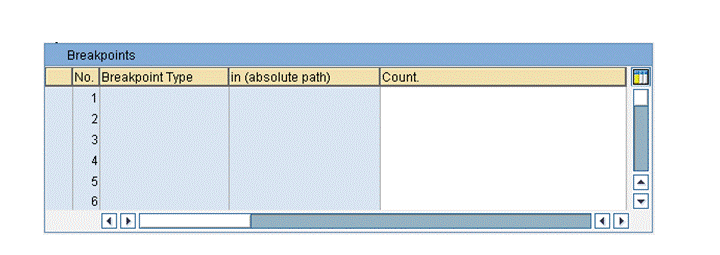
The ABAP Debugger provides a convenient user interface for managing breakpoints. To open the breakpoint display, choose Breakpoints, or, from the menu,  Goto
Goto  Control Debugging Breakpoints
  .
.
Example:
Features
This display mode contains the following functions for breakpoints:
Breakpoint Display
The scrollable breakpoint display contains up to 30 dynamic breakpoints. For breakpoints that you set directly, the program name and line number at which the breakpoint occurs are displayed. For special breakpoint forms, the list displays the statements, events, subroutines, and module calls at which the relevant breakpoints are set.
Counters
In the breakpoint display, you can specify a counter. When you use a counter, the breakpoint is not activated until it has been reached a specified number of times. For example, if you enter 5 for the counter, the breakpoint is not activated until it is reached for the fifth time. After the breakpoint has been activated, it remains so, and the counter no longer appears in the breakpoint display.
Deleting Breakpoints
Position the cursor on the breakpoint that you want to delete, and either double-click the line or choose Breakpoint Set/Delete . To delete all breakpoints, choose Breakpoint Delete all .
Activating and Deactivating Breakpoints
Position the cursor on the breakpoint that you want to activate or deactivate and choose Breakpoint Activate/Deactivate .