Automatic Status Propagation 
Statuses of objects in SAP Demand Signal Management are propagated automatically as shown in the figure:
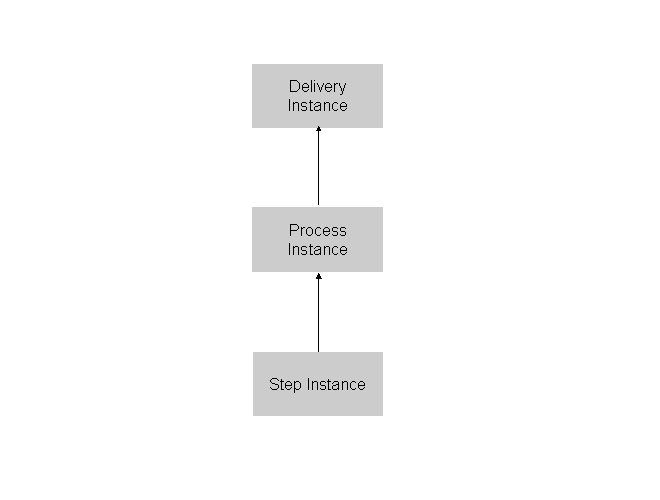
Status Propagation
Object statuses are propagated automatically based on the following rules:
When any single step moves from status New to Ready, then the file, data set, or process with which that step is associated undergoes a status change to Ready.
When all the steps that belong to a particular process are completed and their status is set to Completed, then all the processes and data deliveries with which these steps are associated are set to Completed.
If you assign a step to a file or data set in Customizing, status management propagates the step status to the files and data sets to which that step is assigned.
Files and data sets to which no step is assigned are set to status Skipped.
Based on the propagation rules, the status of the file, data set, or process changes when the status change information is received.
The process flow control uses this status information to decide on which is the next possible executable step in the process.
Example
The following simplified example shows how propagation rules are used within SAP Demand Signal Management.
Sender |
Sender Status: Changes from |
Sender Status: Changes to |
Listener |
Listener Status |
Rule |
|---|---|---|---|---|---|
Step |
New |
Ready |
File |
Ready |
Any |
Step |
New |
Ready |
Data Set |
Ready |
Any |
Step |
New |
Ready |
Process |
Ready |
All |