Layout for the First Page

Layout for the First Page
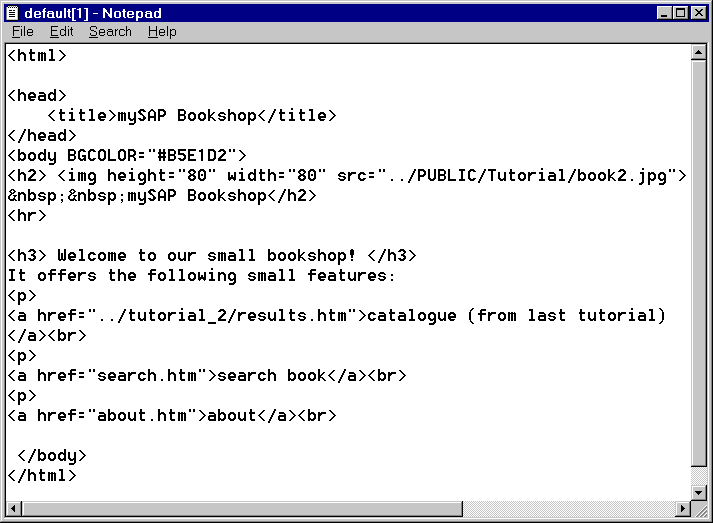
The layout for the first page (
default.htm), which you set using the tab page Layout, looks like this:|
<%@ page language="abap" %> <h3> Welcome to our small bookshop! </h3> It offers the following small features: <p> <a href="../tutorial_2/results.htm">catalogue (from last tutorial)</a><br> <p> <a href="search.htm">search book</a><br> <p> <a href="about.htm">about</a><br> </body> </html> |
This code uses HTML to create three links, and uses the
include directive (see below). The first link links to the list of authors, which you created in the previous tutorial (see A Simple BSP Application). The second link links to the search page, and the third link links to an information page.The Include Directive
In the code for this page, the following line comes after the page directive:
<%@ include file="head.htm" %>
This directive includes the page fragment
head.htm in the page default.htm. This has the effect that the first page gets the header defined in head.htm.
The syntax of the page directive is as follows:
<%@ include file="relative
URL" %>The
include directive includes existing pages and page fragments in the BSP. Make sure that you always use a relative URL when specifying the page to be included.
If you view the page