Object Manager


Object Manager
Use
With the object manager you can search for and select objects that you want to display or edit.
Prerequisites
You are familiar with the validity concept of the application. The validity concept determines which objects you can find during a search.
Features
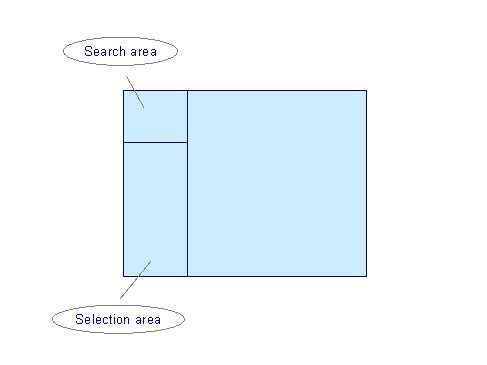
The object manager consists of the search area and the selection area.
 . In addition, the object type itself can contain a search function. The object types are marked with the respective object type-specific symbol.
 .
. and
and  .
. you can increase or reduce the size of the selection area, in order to show more hits. As you do that, the search area is hidden or displayed accordingly.
The system saves the last settings relating to screen size and the last object selection user-specifically, and they are available next time you call up the transaction.
You can reset these settings and the last object selection using the report RH_DELETE_OM_USER_SETTINGS. Note that the reset takes place across all applications. For more information, see the report documentation.