 Checklist for High-Performance WDA Programming
Keep in mind the following points when programming Web Dynpro ABAP applications:
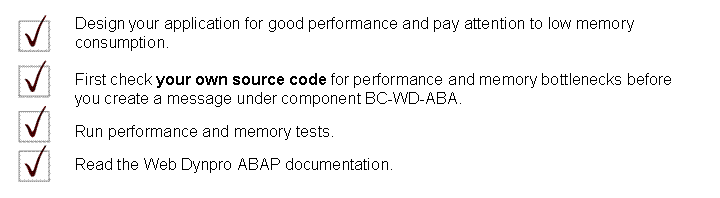
Dos and Dont's: Web Dynpro Components
Only use Web Dynpro entities for UI programming.

More information: Number, Size, and Genericness of Components and Working with the Assistance Class
Note that Web Dynpro components are not lightweights!

 Note
Note
Although memory consumption is reduced by the lifespan of when visible, when visible can affect performance since in this case the view has to be initialized every time it is displayed.
See also Creating and Deleting Components and Views.
End of the note.
Dos and Dont's: Web Dynpro Context
UI data is stored and managed in the Web Dynpro context.

More information: Context
Dos and Dont's: Web Dynpro UI Elements
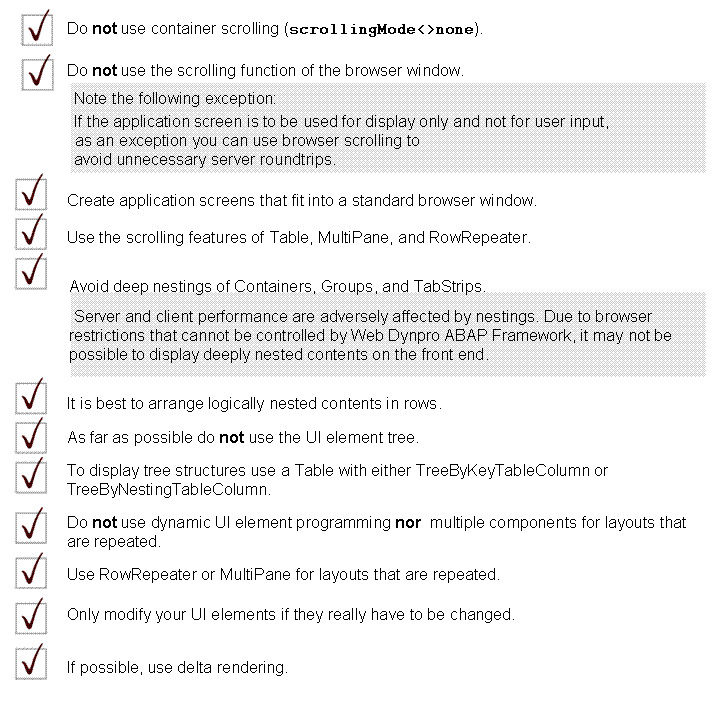
The size of your application screen has enormous effects on performance.
More information: