
 Creating JSP and HTML Pages in the Diagram
View
Creating JSP and HTML Pages in the Diagram
View 
Prerequisites
· A Web project exists in the workspace.
· You are in the Diagram view and have opened a page at the level at which you want to add the resource.
Procedure
1. In the toolbar, select the JSP or HTML icon.
2. On the Diagram view page, drag and drop where you want the image to be displayed.
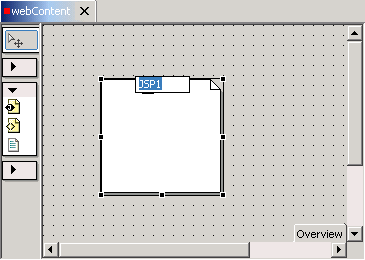
3. In the image, select the default name and change it to the required name.
4. Double-click the image to open the relevant editor.