
 Creating an EJB Module Project
In this step you create the EJB module project, which will provide the framework for the development of the MDB enterprise bean.
...
1. In the SAP NetWeaver Developer Studio from the menu path choose File → New… → Project to start the New Project wizard.
2. Select J2EE -> EJB Module Project. Choose Next.
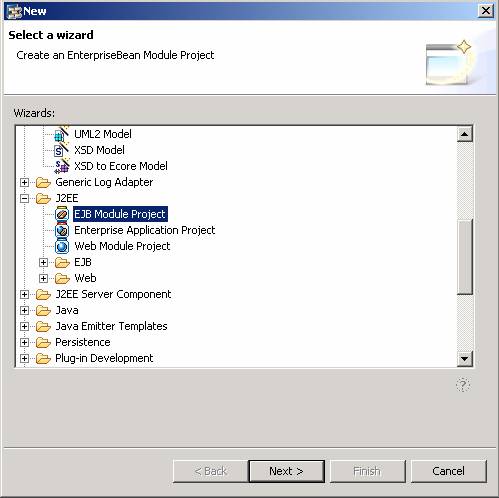
3. Give your EJB module project the name MDBTest and leave the default settings for Project contents unchanged.
4. Choose Finish.
The wizard generates a project structure for your new EJB module project. It also contains the deployment descriptor files ejb-jar.xml and ejb-j2ee-engine.xml. It automatically opens the J2EE perspective and displays the new project structure in the J2EE Explorer.
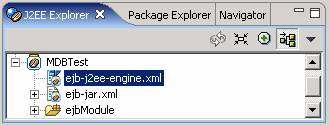
You have created the EJB module project MDBTest. The structure of your project is currently displayed in the J2EE Explorer.
Next Step