 A Simple Online Book Catalog with User Interaction

A Simple Online Book Catalog with User Interaction
The BSP application you are going to create is a simple online book catalog. The first page of the catalog should look like this:
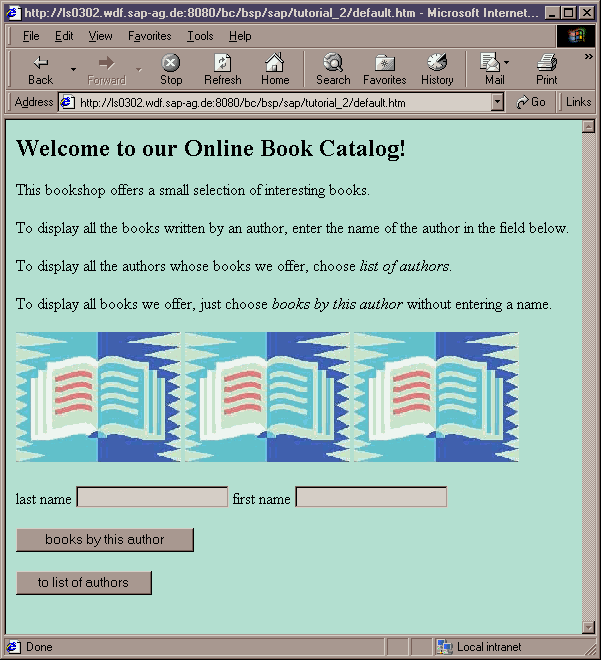
In this application, you will learn how to create BSPs that allow user input, how to process data resulting from user input, and how to navigate to other pages.
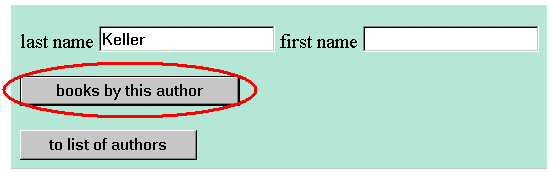
To search the database table for books by authors with the surname "Keller", the end user enters the surname "Keller" and chooses Books by This Author:
The following results list is output:
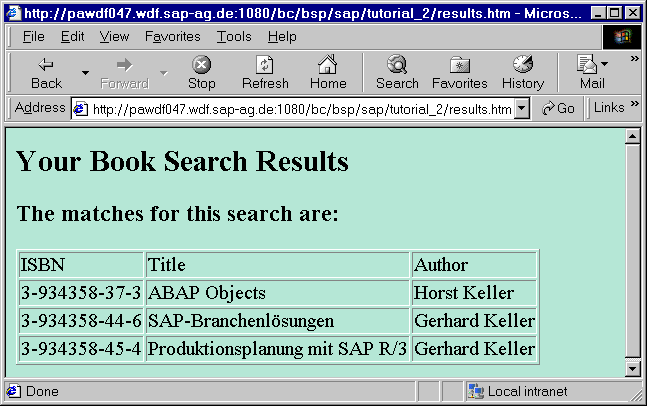
To restrict the results list, the user can also enter the author’s first name, for example.
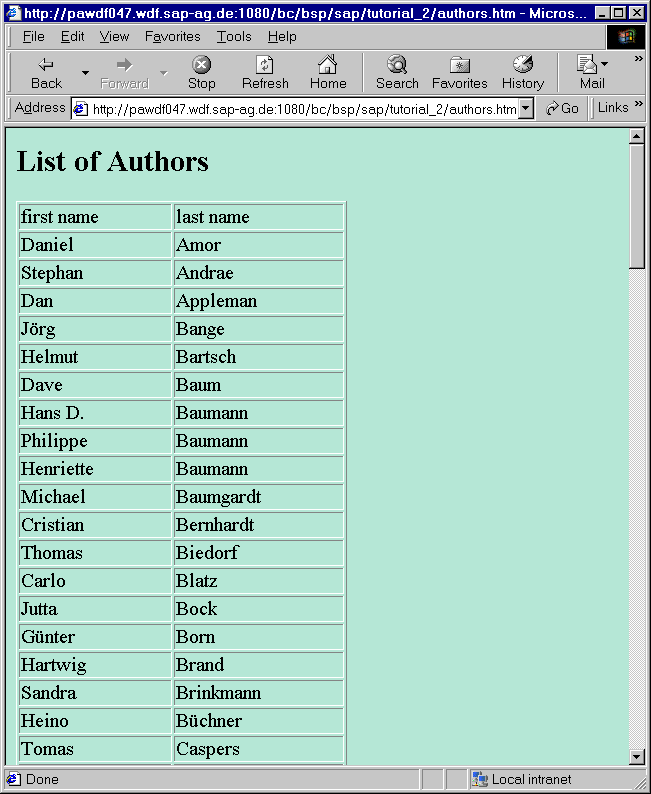
Alternatively, the user can choose  to display a list of all the authors in the database:
This BSP applications illustrates the
Processing Procedure for BSPs.
For background information about BSP Applications see
 ... to