Cash Payment with Cash Breakdown List

Purpose
The system uses this process to provide all the information you need to pay the wages and salaries, in cash, to your employees. The system creates:
· A cash breakdown list, in the payroll currency, with the number of bank notes and coins you need for the cash payment
· A payment list that lists the individual payments for each employee
· A list of signatures that the employee can sign after receiving the cash payment
In contrast to the other payment processes that the system offers for wage and salary payments, no data is stored or changed in your system when you use the cash payment with cash breakdown list process. Only the lists mentioned above are created when you use this process.
Prerequisites
You have not entered any payment method in the Bank Details infotype (0009).

If the Payment Method field in the Bank Details infotype (0009) is blank, the system stores the payment amount in the Cash Payment wage type (/557) in the Results Table (RT) in the payroll results for the employees, during the payroll run.
The system does not store the Cash Payment wage type (/557) in the Payment Information table (BT).
Process Flow
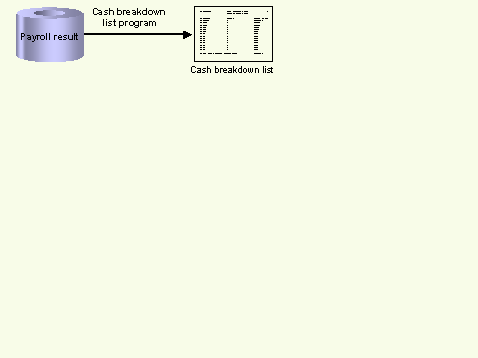
The Cash Breakdown List program (Report RPCMLI00 or RPCMLI09) evaluates the entries in the Results Table (RT) in the employee's payroll results, for the wage type you entered on the program selection screen in the Wage Type of Net Amount field. It then creates the following lists:
· Cash breakdown list
· Payment list
· List of signatures
If you use the
 Off-Cycle
Activities component, use report RPCMLI09. If you do not use the Off-Cycle
Activities component, use report RPCMLI00.
Off-Cycle
Activities component, use report RPCMLI09. If you do not use the Off-Cycle
Activities component, use report RPCMLI00.
The following graphic shows the process flow of cash payments with a cash breakdown list.