 Carrying Out the Invoice Verification in the Dialog

Carrying Out the Invoice Verification in the Dialog
Use
If you carry out the invoice verification in the dialog, enter the invoice data in the system and compare the data the system proposes (such as quantity and value) with the invoice data. Make any necessary corrections and post the invoice. If you use the logistics invoice verification, the AFS system gives you the option of checking and entering invoices at item or SKU level.
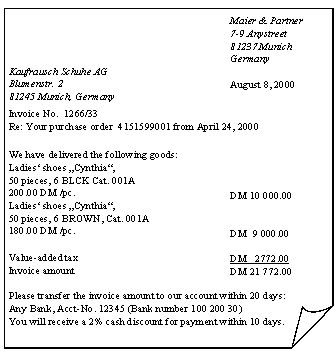
You can enter invoices with reference to purchase orders or goods receipts. You can also post invoices without reference to a purchase order.
Procedure
To enter and check an invoice using the logistics invoice verification, take the following steps:

You can individually specify for a company code, a plant, a material, a user ID, or a combination thereof, whether you want to carry out the invoice verification at SKU or item level. If you want to assess prices and quantities at material level in a purchase-order-related invoice verification, choose in Customizing Materials Management ® Logistics Invoice Verification ® Deactivate Logistics Invoice Verification at SKU Level (AFS) and enter the appropriate combinations in the table. In addition, the user ID for the AFS invoice verification must be assigned to the system user settings with the parameter ID /AFS/IV USR. If this combination is valid for the logistics invoice verification at item level, the system combines prices and quantities at SKU level into items. As long as an AFS material is valuated with the moving average price at SKU level, you have to carry out logistics invoice verifications for purchase orders at SKU level.