 Specifying a Default Character Set and Font

Specifying a Default Character Set and Font
In the SAP@Web Studio, you can specify a default character set and font to be used for displaying all your files.
The
HTMLBusiness editor supports all proportional and fixed fonts that are available for a particular character set.Prerequisites
You must
install the National Language Pack for Windows NT.Procedure
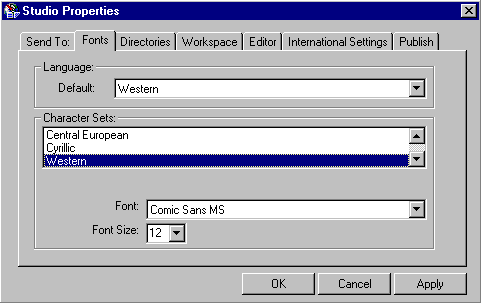
Result
The SAP@Web Studio uses the selected character set, font and font size when displaying files.