 Executing a Service

Executing a Service
Use
Use this function to test a Web transaction or MiniApp from the ABAP Workbench
Prerequisites
The complete Internet service has been published successfully on the Internet Transaction Server (ITS). The ITS is active at present.
Procedure
Start the Web application from the Object Navigator as follows:
The system displays the Web browser and, if necessary, a logon dialog box.
Result
The system starts the Service from the HTTP address http://<ITS>:<Port>/scripts/wgate/<service>/!
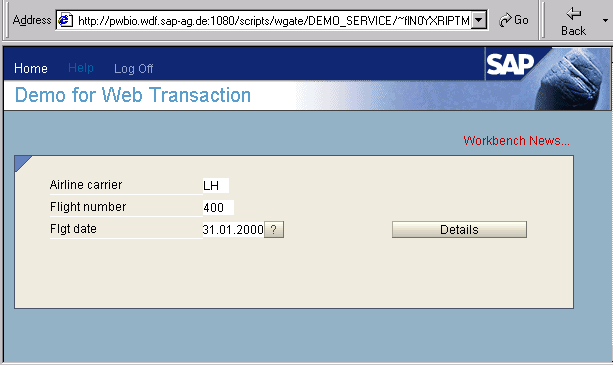

The way a Web transaction is displayed depends on the type of R/3 transaction on which it is based. The standard R/3 System header with menus, function codes, icon bar, and button bar is only displayed in Professional user transactions. Conversely, Easy Web Transactions (EWTs) are displayed with a special EWT header.