

 Specifying International Settings
Use
You use this procedure to change the settings for languages that use different code pages.
At present, the SAP@Web Studio supports code pages for English and Japanese only.
Procedure
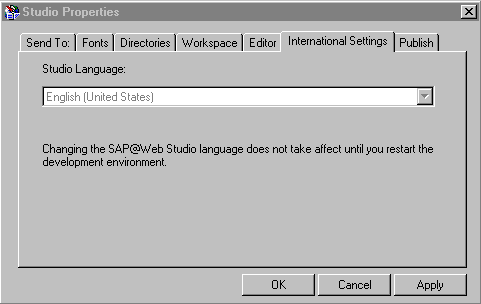
This is possible only if you need different code pages for Japanese.