

 User Trace
Use
The user trace is used to look for errors that occur with certain users and not with others. Trace information, located in the
developer trace for each work process, is written to the user trace from the user view, if this option is activated.
Activate the user trace only as long as you need it to reproduce error situations, and then deactivate it. This prevents system performance from being affected, and unnecessarily large trace files from being produced.
Integration
For more information, see
Trace Facility.Prerequisites
You are already in the User List screen (Transaction
SM04 ).Features
You can do the following with the user trace:
If you select the function Display, a dialog box appears where you can enter information to filter the trace display. You can also set the loading components (SAP Kernel components that should write trace information) and the display components (the parts of the loading components whose trace information is also displayed).
Trace Display
In the trace display (screen
User Trace for <USER> on <server> ), there are additional menu functions and buttons available.
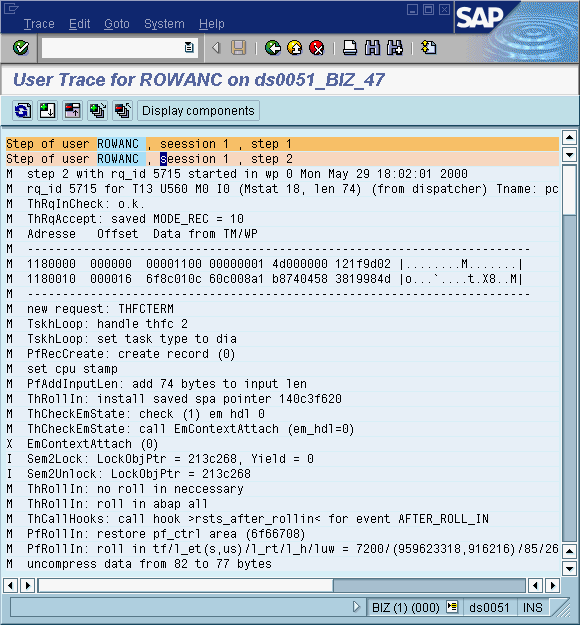
You can: