Entering content frameDefining Pages Locate the document in its SAP Library structure

You must define at least one logical page for every form. Otherwise it is not possible to format texts. To define a page, assign a name and specify attributes.
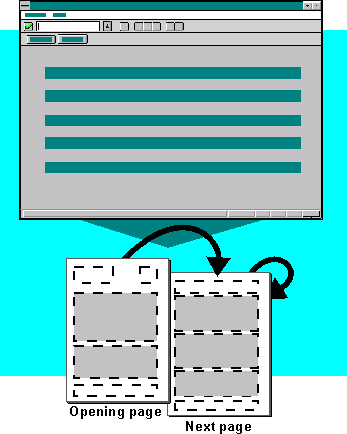
This graphic is explained in the accompanying text

  1. Choose Goto ® Pages.
  2. Choose Edit ® Create element.
  3. Enter a page name and a short description in the fields Page and Description.
  4. Input-enabled fields are displayed in the lower screen area.

  5. Enter values in accordance with the guidelines for page definition.
  6. You can overwrite the default values set in the fields Mode and Numbering type.

  7. Repeat these steps until all pages are defined.
  8. Save your entries.
Leaving content frame