
 Retrieving Key Figures Using Text Strings
You use this option to search for a key figure whose description contains a particular word or words. You link these strings with "and" or "or".
What To Do
To retrieve key figures via text strings, proceed as follows:
A window appears in which you can enter up to seven search terms.
You can enter up to 20 characters in each text field. The conjunctions ("or", "and") which link the text fields can be overwritten.
The system now checks all the key figures in LIL for the presence of the search terms you have entered.
The result of your search is a list showing any key figures whose descriptions include the specified text strings.
Example A:
You have specified the following link:
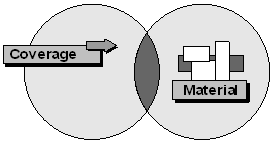
Coverage and material
The resulting list contains key figures whose descriptions include both "material" and "coverage" (see figure below); for example, "average total stock coverage in days from material analysis", "ranking list of range of coverage, material total analysis".
Example B:
You have specified the following link:
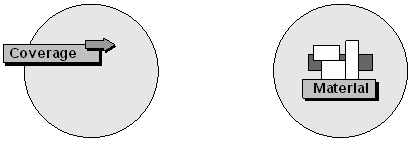
Coverage or material
The resulting list contains key figures whose descriptions include either the term "coverage", or the term "material", or both (see figure below); for example, "RFQs for material from Purchasing", "mean coverage of consignment stock from plant analysis", "coverage of valuated stock in days, material type analysis".
Example B:
You have specified the following link:
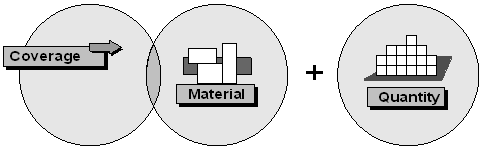
coverage or material
The resulting list contains key figures whose descriptions include either the term "coverage", or the term "material", or both (see figure below); for example, "RFQs for material from Purchasing", "mean coverage of consignment stock from plant analysis", "coverage of valuated stock in days, material type analysis".
Limiting the Scope of the Key figures List
You can limit the scope of your list in two ways, either of which can be repeated as often as you like:
The strings you entered originally remain as they are. You can add further search terms to the list.
To start searching again, select Edit
or
You now select Find to start the second search.
The resulting list shows only those key figures that were included in the previous list and whose description contains the specified search term.
You can read about to retrieve key figures in Retrieving Key Figures.